A comic translator should do more than swap the words.
Translating a comic is not like translating an article. The words live inside bubbles, captions and drawn effects, and the translation has to go back into the art without wrecking it. Here is what a good comic translator does, and how to read comics, manga and webtoons in your language right in Chrome.
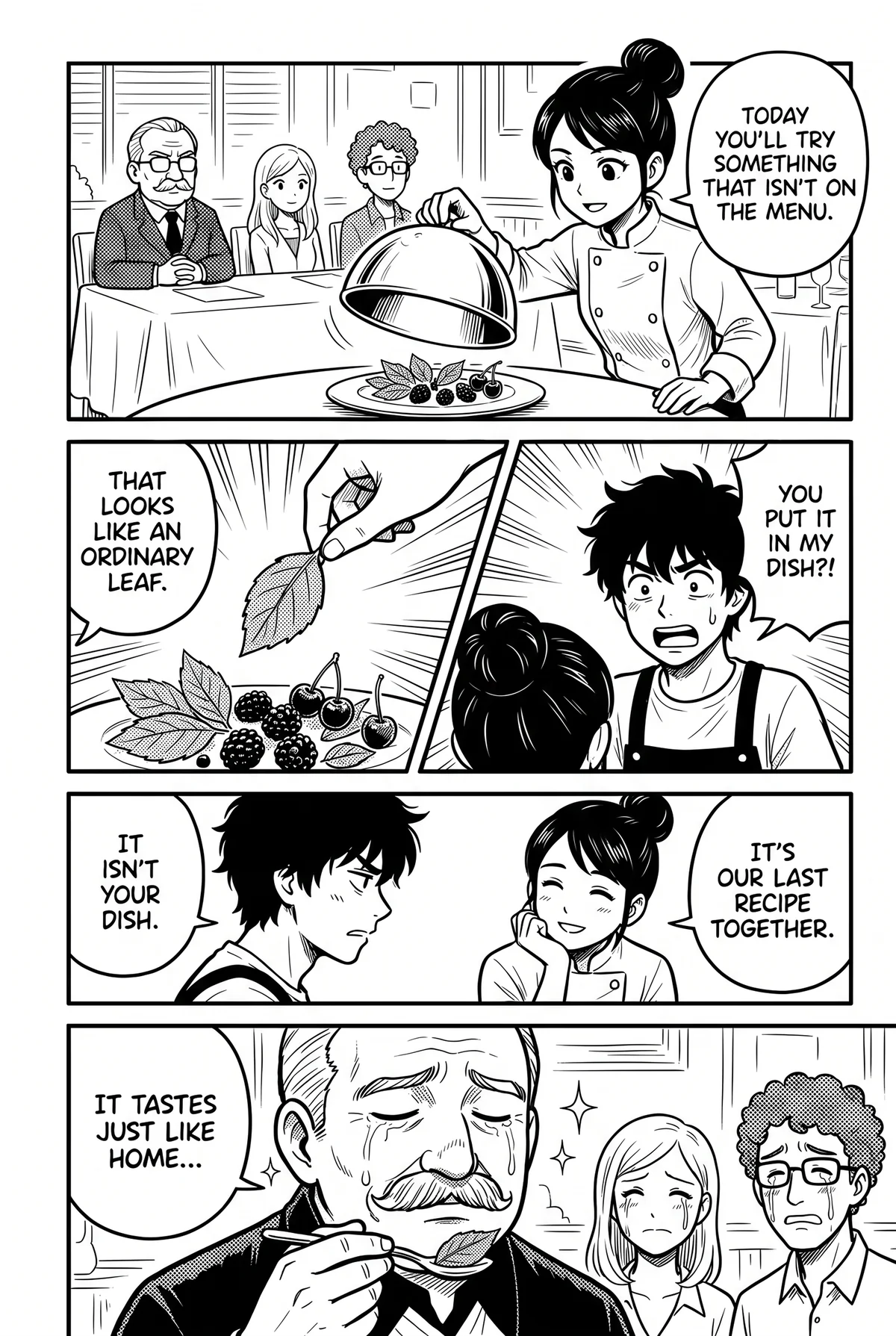
What is the best way to translate comics in the browser?
Use a comic translator extension that works on the page you are reading. It should find every bubble and caption, read the text, translate the page with context, clean the original lettering and write the translation back into the bubbles. Manhwave does this in desktop Chrome for comics in English, Japanese, Chinese and Korean, into 26 languages, and paid reading costs from about 1 cent per chapter.
Key facts
- A comic translator has four jobs: find, read, translate, letter.
- Translating page by page keeps names and tone consistent.
- Sound effects drawn into the art are best left alone.
- Free start: 50 credits a week, no account and no card needed.
What a comic translator has to do.
A plain translator takes text in and gives text back. A comic translator starts from a picture, so it has four jobs, and a weakness in any one of them shows on the page.
- Find every speech bubble, thought bubble and caption box, and tell them apart from drawn sound effects and background signs.
- Read the text with OCR, including vertical Japanese columns, Korean Hangul, dense Chinese and hand-lettered English capitals.
- Translate with the whole page in view, so a reply makes sense next to the question and a name stays the same from panel to panel.
- Letter the result: remove the original text, rebuild the art behind it and fit the translation inside the bubble at a size you can read.
Most general image tools stop after step three and hand you a block of text. That works for a poster. On a comic page it means reading the art in one place and the dialogue in another, which breaks the flow the artist designed.
Bubbles, captions, sound effects.
Not all text on a comic page is equal. Dialogue in bubbles carries the story. Narration boxes set the scene. Signs, screens and letters in the background add detail. Then there are sound effects: big hand-drawn words for a punch, a door or a rainstorm, often woven into the artwork itself.
Translating sound effects sounds attractive until you see the result. Removing them means repainting a large piece of the drawing, and a printed replacement rarely matches the energy of the original. Manhwave leaves sound effects as drawn and focuses on the text you need to follow the story. The original wording of every translated bubble stays one hover away, so you can always check what was there.
EN DE
How to translate comics in Chrome, step by step.
Add the extension
Install Manhwave from the Chrome Web Store on a desktop computer. No account and no API key are needed to start.
Open a chapter
Go to the reader site where you normally read, such as WEBTOON, Tapas, Tappytoon or Manta, and open a chapter.
Pick your language
Choose one of 26 target languages, from English, Spanish and Polish to Japanese, Arabic or Vietnamese.
Click Translate this chapter
The pages you are looking at are translated first, and the rest follow as you scroll. There is no auto-scroll and nothing runs in other tabs.
Adjust the look
Switch between the Manga, Comic and Classic lettering styles or change the text size. Changing the look never uses credits.
The source language is detected from the page. Manhwave reads English, Japanese, Chinese and Korean. For Korean it downloads a small extra reader once (13.5 MB), automatically on Korean sites. If your comics are mostly English releases you want in another language, our guide to reading manga in your own language covers that case in detail.
Western comics, manga and webtoons: what changes.
| Western comics | Manga | Manhwa and webtoons | Manhua | |
|---|---|---|---|---|
| Typical source text | English capitals, hand-lettered | Japanese, often vertical | Korean Hangul | Chinese characters |
| Page format | Full pages, colour | Pages, mostly black and white | Long vertical strips, colour | Strips or pages, often colour |
| Main challenge | Dense captions, bold lettering | Column order, reading aids beside kanji | Bubbles split between images | Recurring terms and names |
| Text per page | Often high | Medium | Low to medium | Medium to high |
General patterns. Each tradition has exceptions.
Text density matters for cost. Manhwave counts 1 credit for each started 750 characters of source text in a chapter, so a quiet action scene costs almost nothing, and long webtoon strips are not more expensive than short pages. For the differences between the Asian formats, see manga vs manhwa vs manhua.
Where a browser comic translator does not fit.
- Other source languages: Manhwave reads English, Japanese, Chinese and Korean. A comic written in French or Spanish cannot be the source today, although both are available as target languages.
- Protected readers: some comic stores and apps draw pages on a protected canvas. Manhwave works on sites that show pages as regular images, and cannot read canvas pages.
- Files on your disk: there is no upload of PDF, CBZ or image folders. If you need to translate files, or edit and export the result for publishing, a desktop editor or an upload service fits better.
- Phones: Manhwave runs in desktop Chrome only. There is no mobile version and no Firefox or Safari version.
If you translate images that are not comics, such as photos, menus or screenshots, our guide to translating images in Chrome compares the general tools.
What it costs to read comics translated.
You can start without paying or signing up. Manhwave tops your free balance up to 50 credits every week without an account, or to 100 after you confirm your email. Free credits do not stack, and no card is needed.
If you read more, Starter costs $4.99 a month for 1,000 credits, and Unlimited $19.99 a month under fair use. A one-time pack of 1,000 credits costs $5.99 and never expires. On a paid plan, reading costs from about 1 cent per chapter. Re-reading a saved chapter in the same language is free, and failed pages can be retried without paying again. See the full pricing or start with the free weekly credits.
Manhwave does not host comics. It translates the pages you open on the sites you choose, so support the creators by reading licensed releases where they exist.
What we measured.
These are our own measurements on complete chapters, with no series names.
Credits are counted by text, not by images: 1 credit per started 750 characters of source text, so long webtoon strips are not more expensive. Paid reading costs from about 1 cent per chapter.
In timing runs on a 20-page chapter the first translated page appeared after about 5 seconds and the whole chapter took about 37 seconds.
Release tests of version 0.3.3 on a 20-page and a 17-page manga chapter, four runs each: every page translated, no failed pages, no re-sends.
Checked October 2026. Results vary with the site, the artwork and the amount of text.
Questions, answered.
Can AI translate comics?
How do I translate comics to English?
Is there a free comic translator?
Does a comic translator translate sound effects?
Can I translate comic files like PDF or CBZ?
By the Manhwave team · Last updated: October 11, 2026.
Related guides.
Your comics, in your language.
Open a chapter in desktop Chrome, click Translate this chapter and keep reading.
Add Manhwave to Chrome for free50 free credits every week · no card · desktop Chrome