Your first chapter, translated in 60 seconds.
Manhwave is installed. Here’s all you need: three steps, then try it on the sample chapter below.
Open. Click. Read.

Open a chapter.
Go to the manga, manhwa or webtoon site you already read and open a chapter. Long strip / vertical scrolling works best.
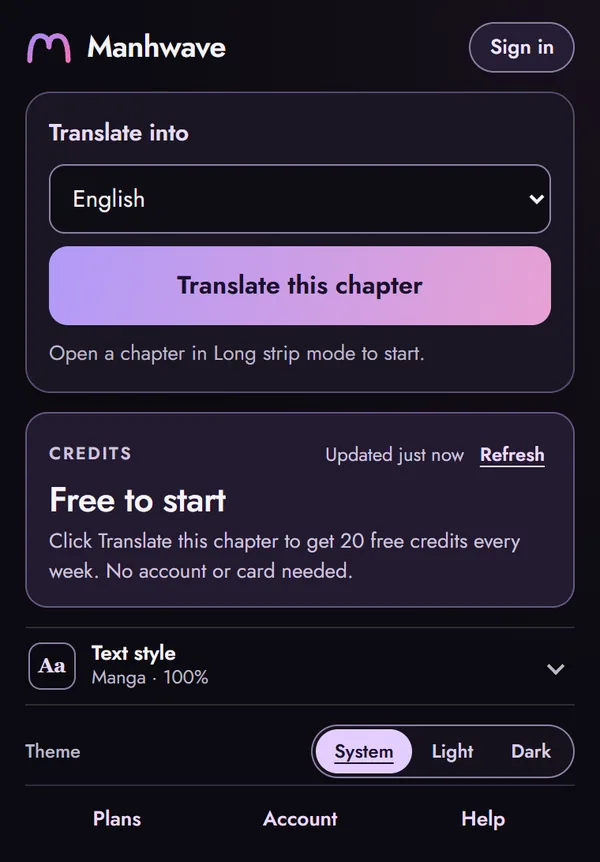
Click the Manhwave icon.
Pick your language and press Translate this chapter. You get 50 free credits every week, no account needed. Tip: pin Manhwave in the puzzle-piece menu so the icon is always there.
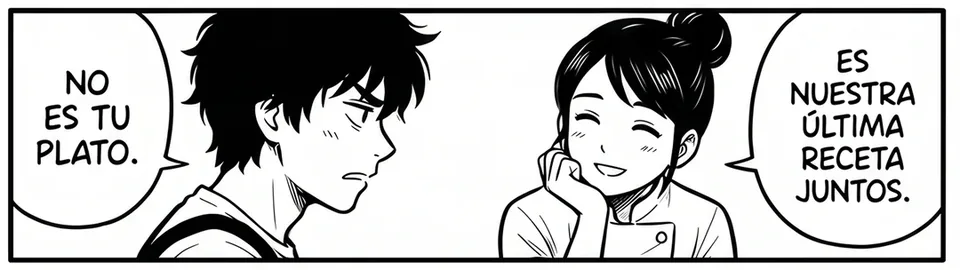 Shown: English → Spanish
Read. Hover for the original.
The translation appears inside the original bubbles. Hover any line to see the source text. Coming back to a chapter is instant and free.
Try it now on a sample chapter.
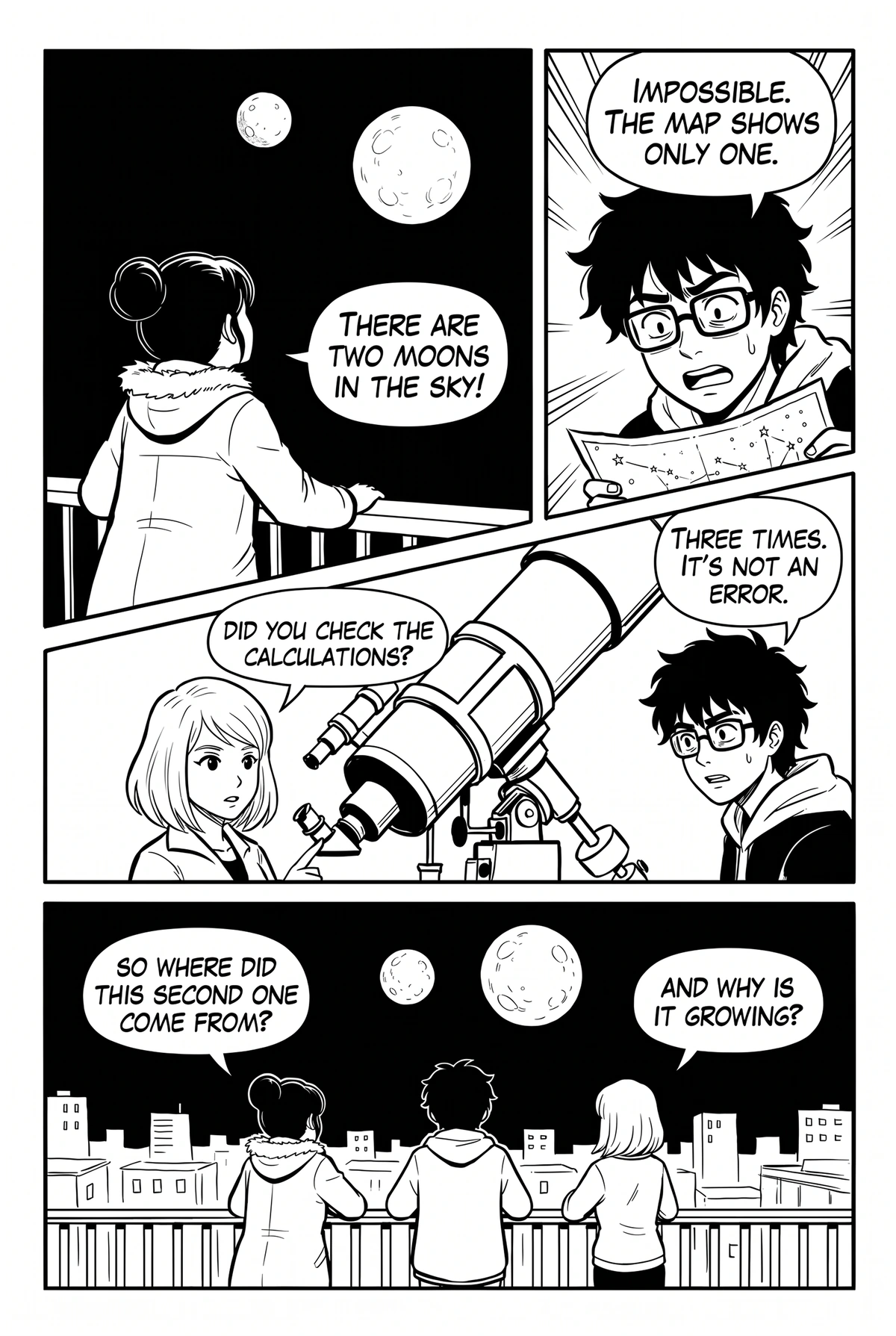
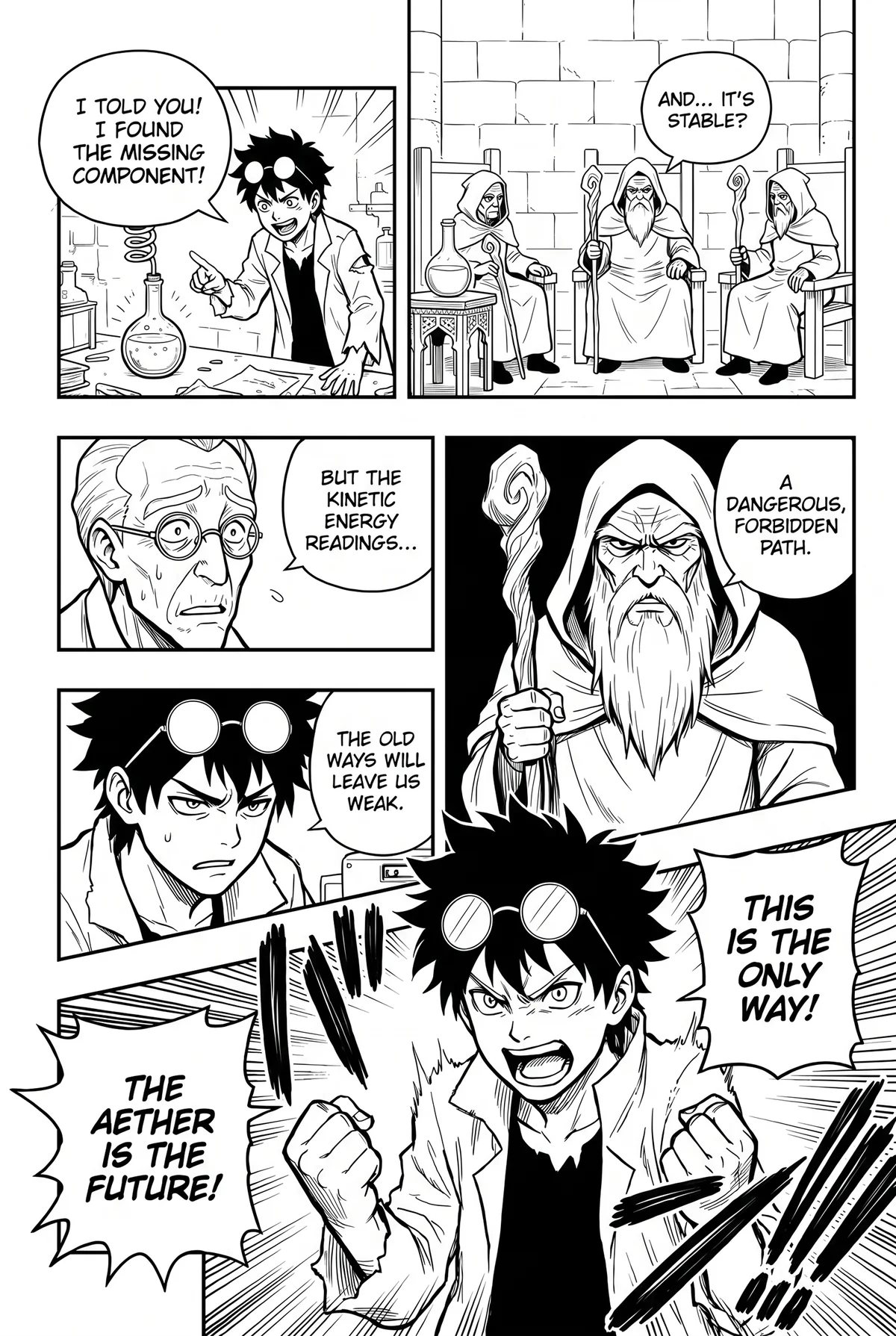
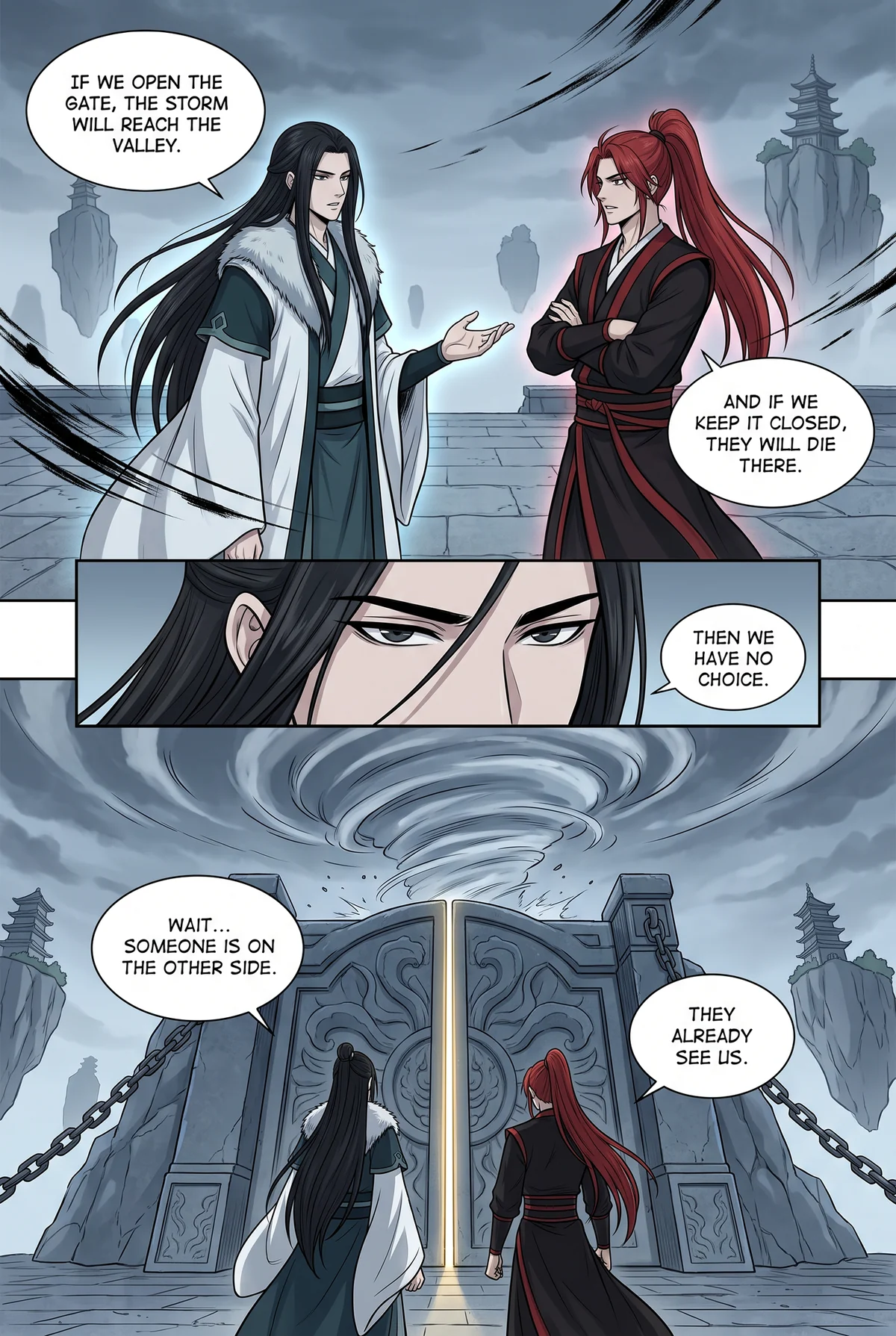
Five original pages drawn for Manhwave, in English. Click the Manhwave icon, pick your language and press Translate.
The Manhwave icon isn’t in my toolbar.
Nothing happens when I press Translate.
How are credits counted?
Translate these pages.
Click the Manhwave icon in your toolbar, choose your language and press Translate this chapter. Original Manhwave artwork, made for this demo.