AI manga translator built for dialogue, not documents.
Word-by-word machine translation turns manga into a manual. Manhwave uses language models that read the whole chapter as one story, then letters the result back into the bubbles, right on the page you are reading.
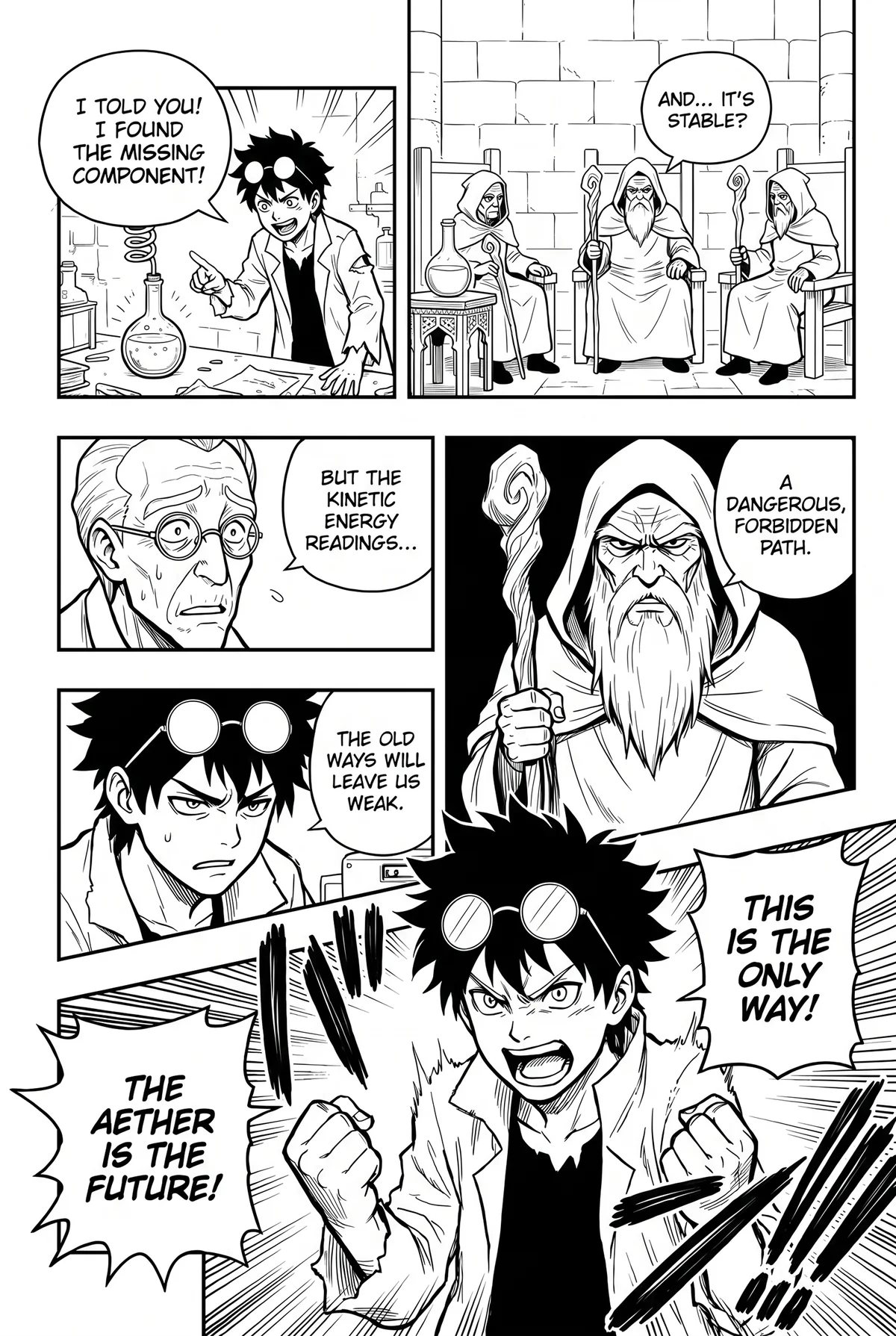
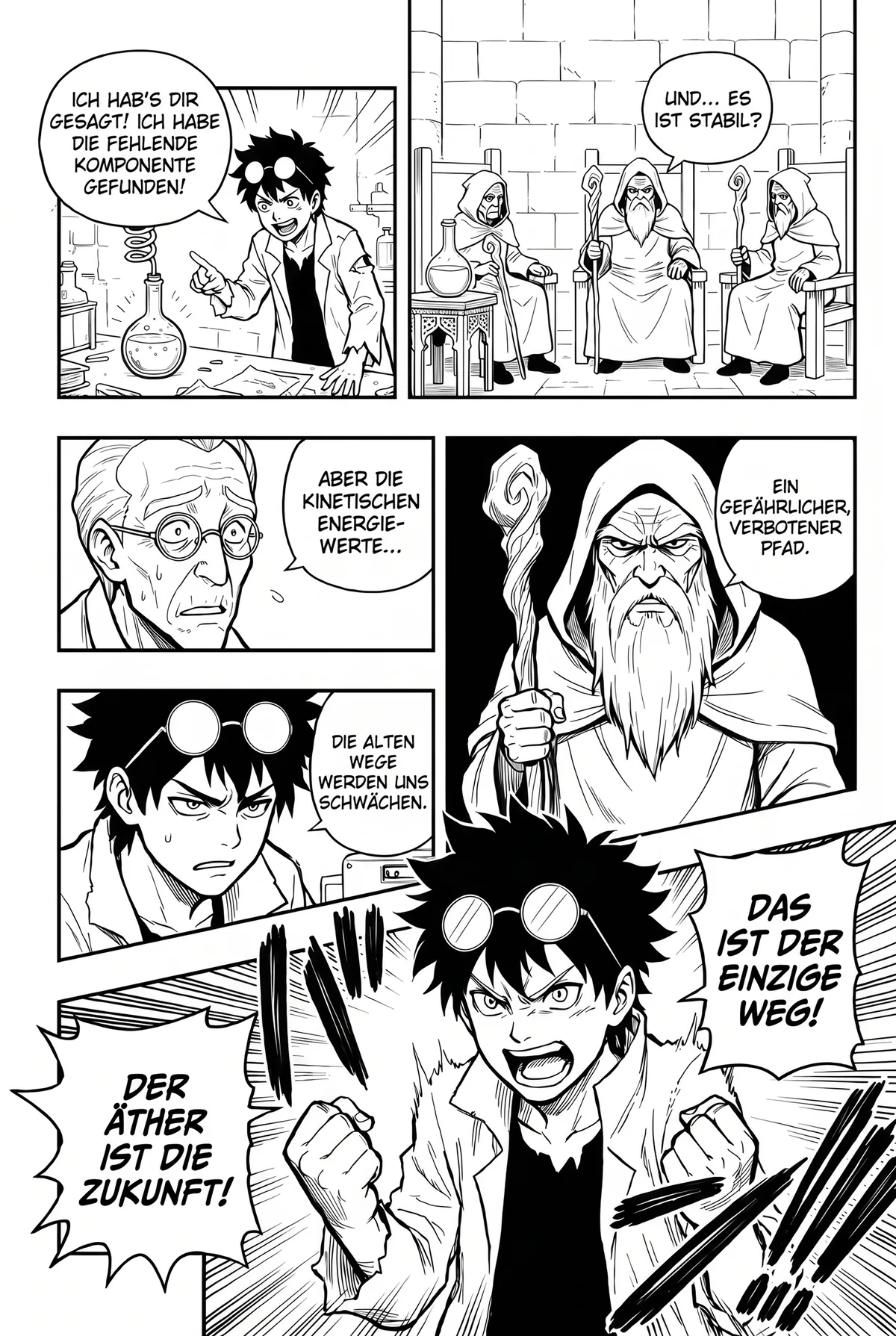
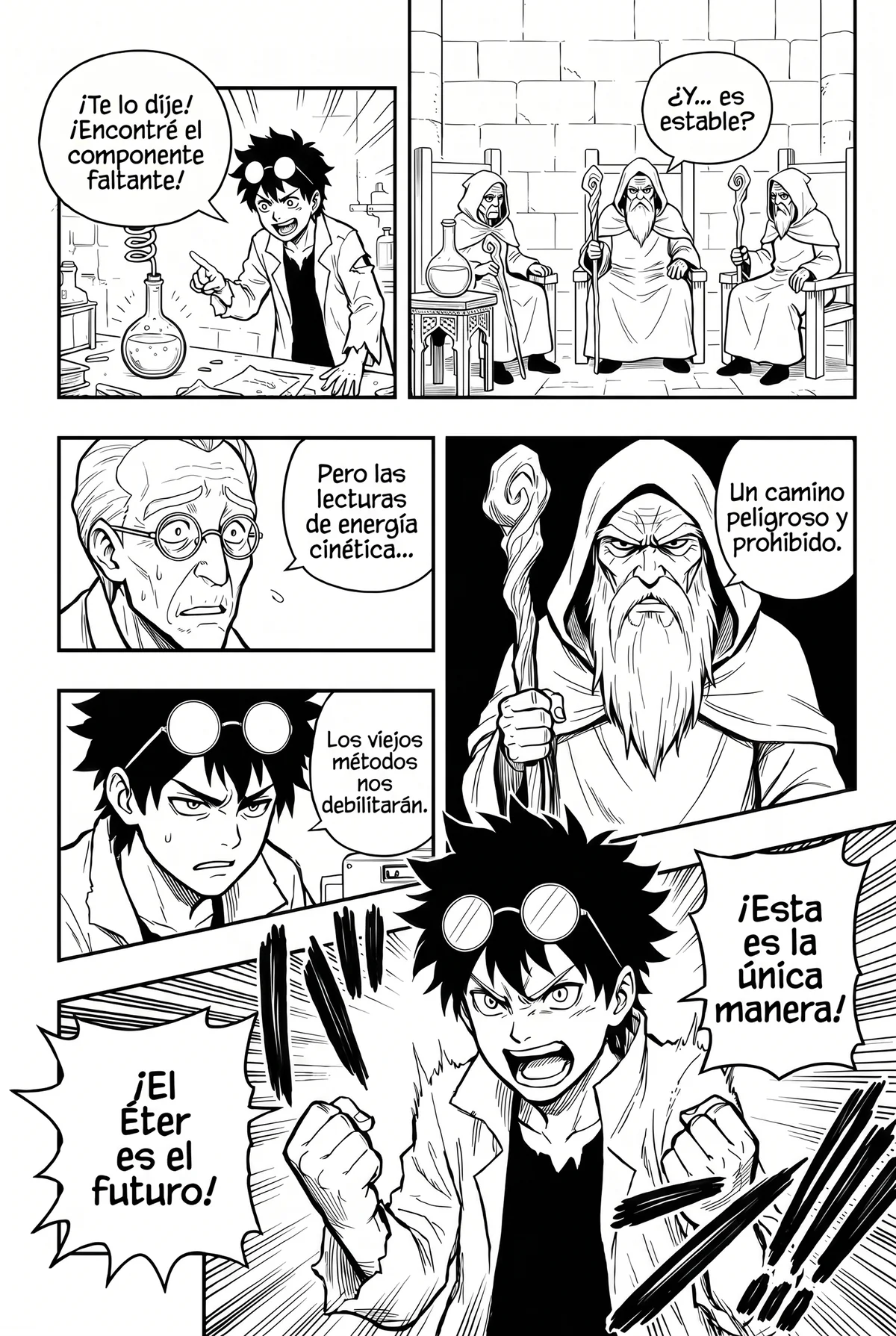
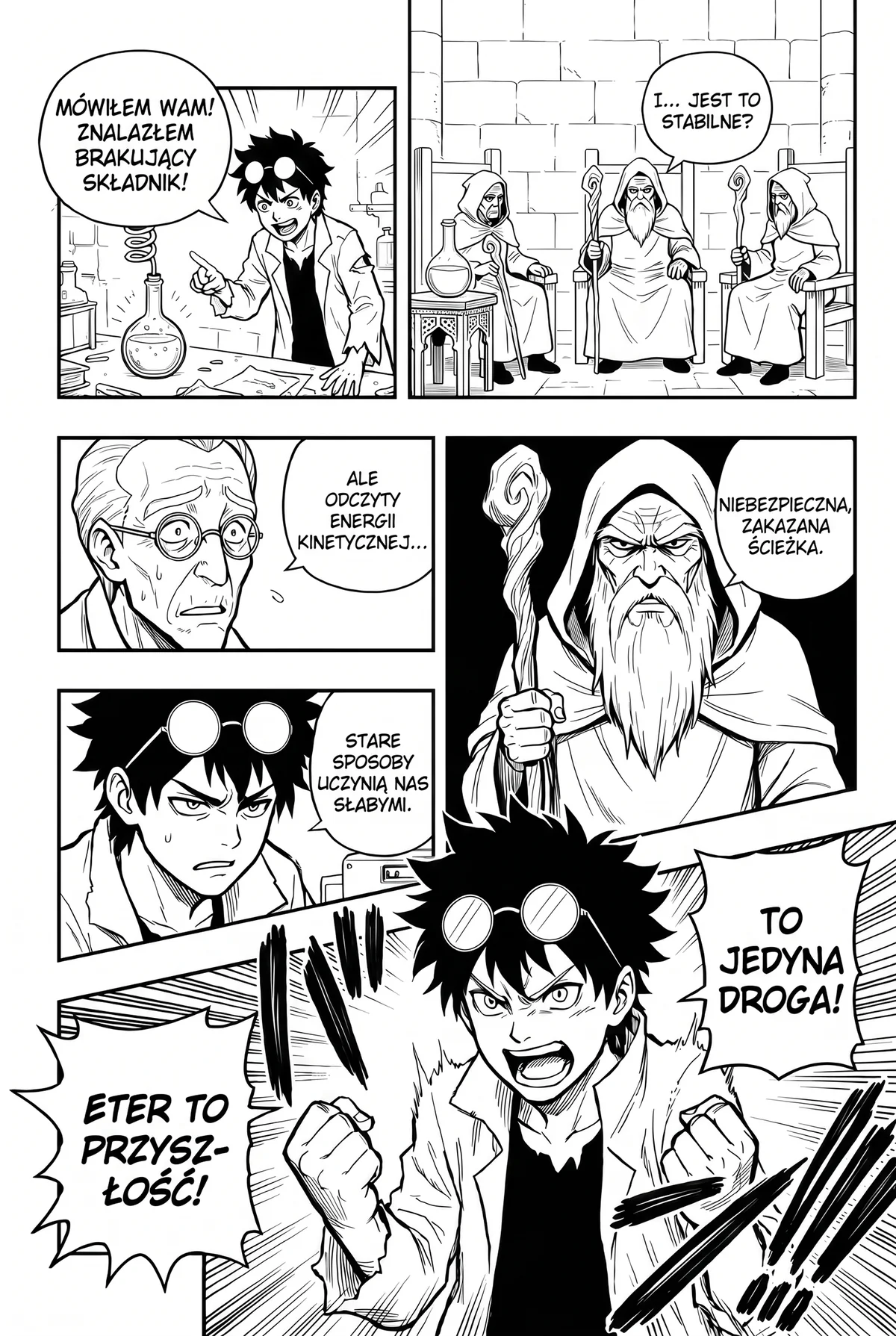
Fantasy · same page, four languages
Same page. Your language.
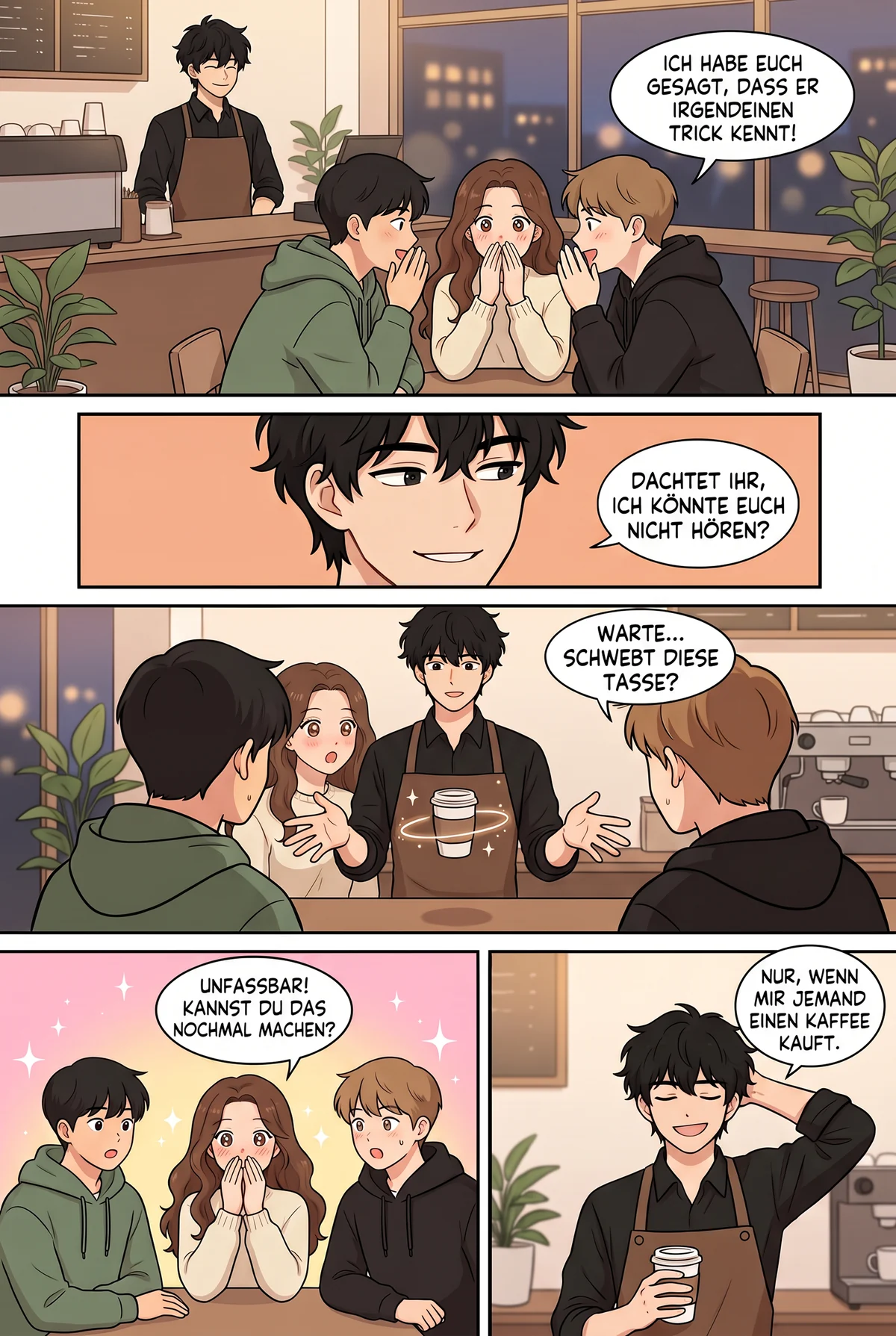
Drag the handle: the same sci-fi mystery page in English and in German. Same panels, same bubbles, a different language.
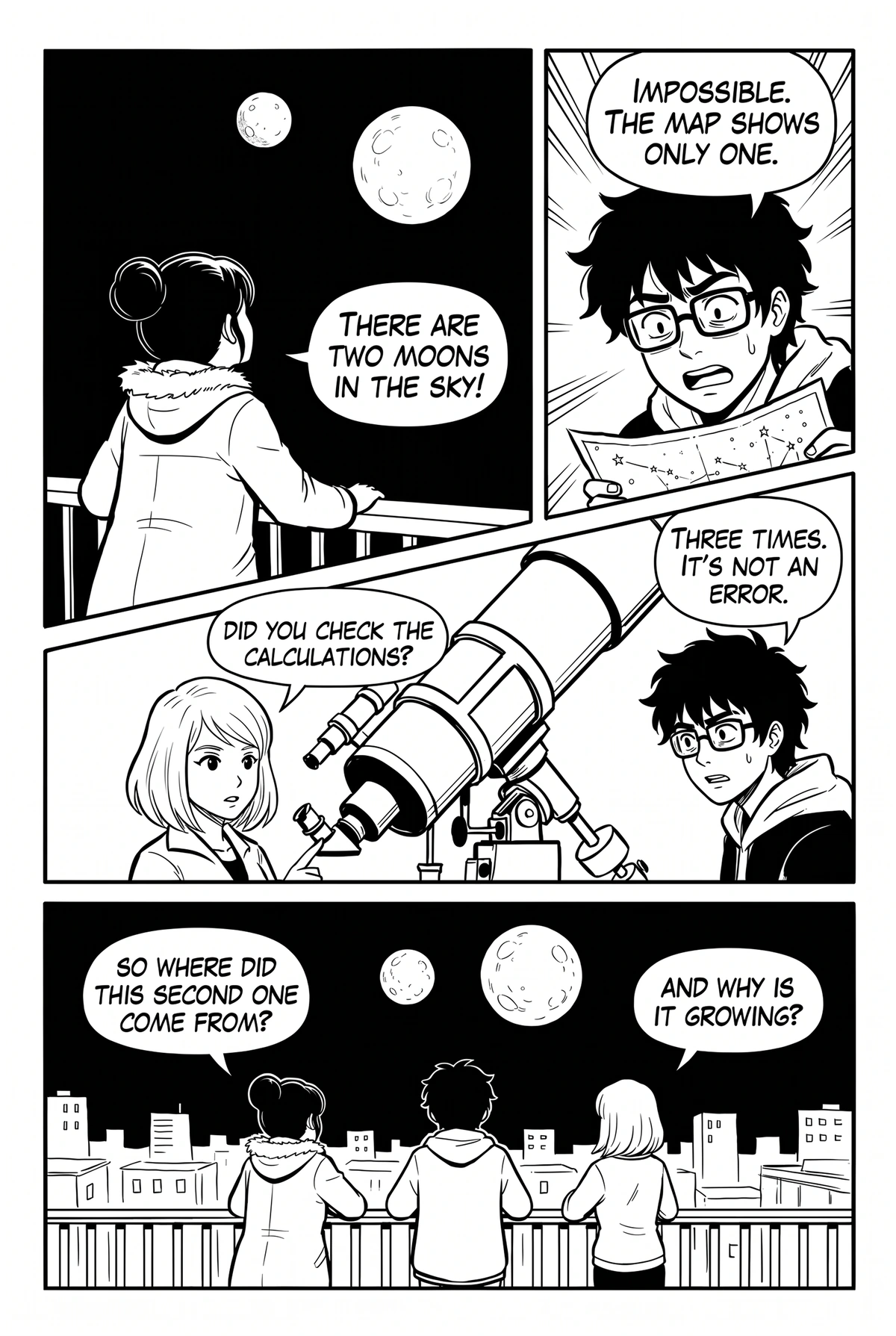
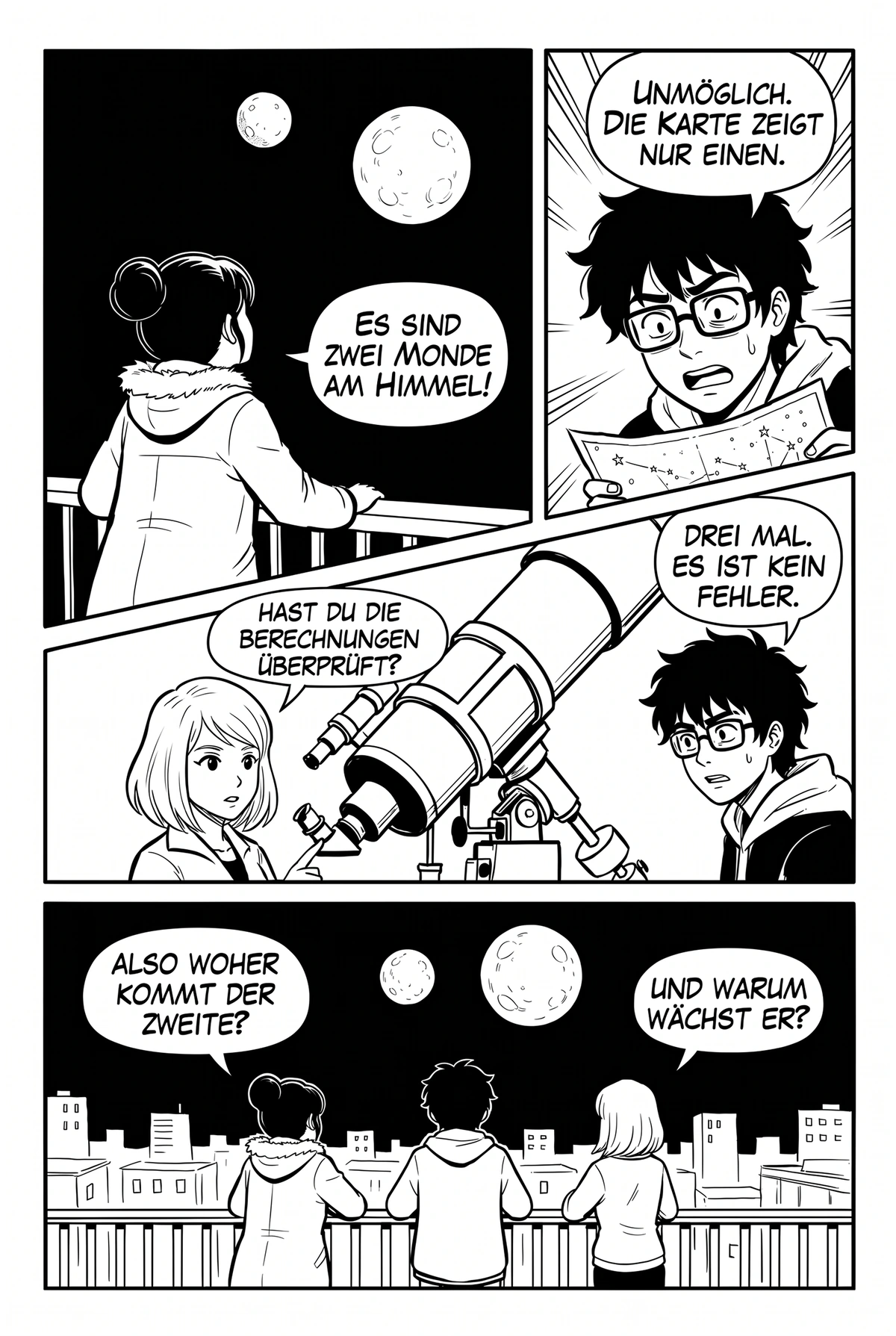
Drag the handle or use the slider · Sci-fi mystery
Machine translation reads words. An AI manga translator reads the scene.
Classic machine translation looks at one bubble at a time and translates it phrase by phrase. That is how „his face becoming red with the angering” ends up on a page. It has no idea that the speaker is a shy first-year, that the bubble before it was a joke, or that the name in the caption is the same character it just called something else.
Language models change that. Given the whole chapter, they keep track of who speaks, how they speak and what was said three panels ago. Honorifics land where a translator would put them. Slang stays slang. A system panel in a hunter manhwa reads like a system panel, not like a legal notice.
Manhwave sends the language model the entire chapter’s extracted text, not isolated lines, and asks it to translate as a letterer would receive it: line by line, in order, with the character voice intact. That is the difference between decoding a page and reading it.
The visual half matters just as much. An AI manga translator that leaves grey boxes on the art or shrinks text into an unreadable blob is still a bad reading experience, no matter how good the sentences are. Manhwave pairs the translation with local inpainting and manga lettering so the page looks like it was always in your language.
Five AI stages. Four run on your device.
Only the words leave your browser, and only for the translation step.
Detect
A comic-trained detector finds speech bubbles, captions and system panels, and tells sound effects apart from dialogue so they can be left alone.
On your deviceRead
OCR models bundled with the extension read the text in each bubble: English, Japanese, Chinese and Korean.
On your deviceTranslate
The extracted lines go to language models tuned for dialogue, which translate the chapter as one story with consistent names and tone.
Manhwave cloudClean
An inpainting model erases the original lettering and reconstructs the art beneath it, so nothing is boxed over.
On your deviceTypeset
Each line is fitted back into its bubble in manga lettering, sized to the original and wrapped to the bubble shape.
On your deviceWhat you get from an AI manga translator.
Context-aware translation
The whole chapter is translated as one story. Names, honorifics and character voice stay consistent from the first panel to the last.
Reads English, Japanese, Chinese and Korean
Kana, kanji, hanzi, Hangul and Latin lettering are read on your device by models trained on comics, not on scanned documents.
Inpainting, not boxes
The original lettering is removed and the art beneath it rebuilt. Screentones, gradients and colour backgrounds survive.
Lettering that fits
Three comic fonts, automatic sizing from the original lettering and line breaks that follow the bubble, not the sentence.
Original text on hover
Not sure about a line? Hover the bubble and see the source. The AI translates; you stay in control.
No models to pick
We benchmark models on real chapters and switch when a better one ships. You never configure anything or paste an API key.
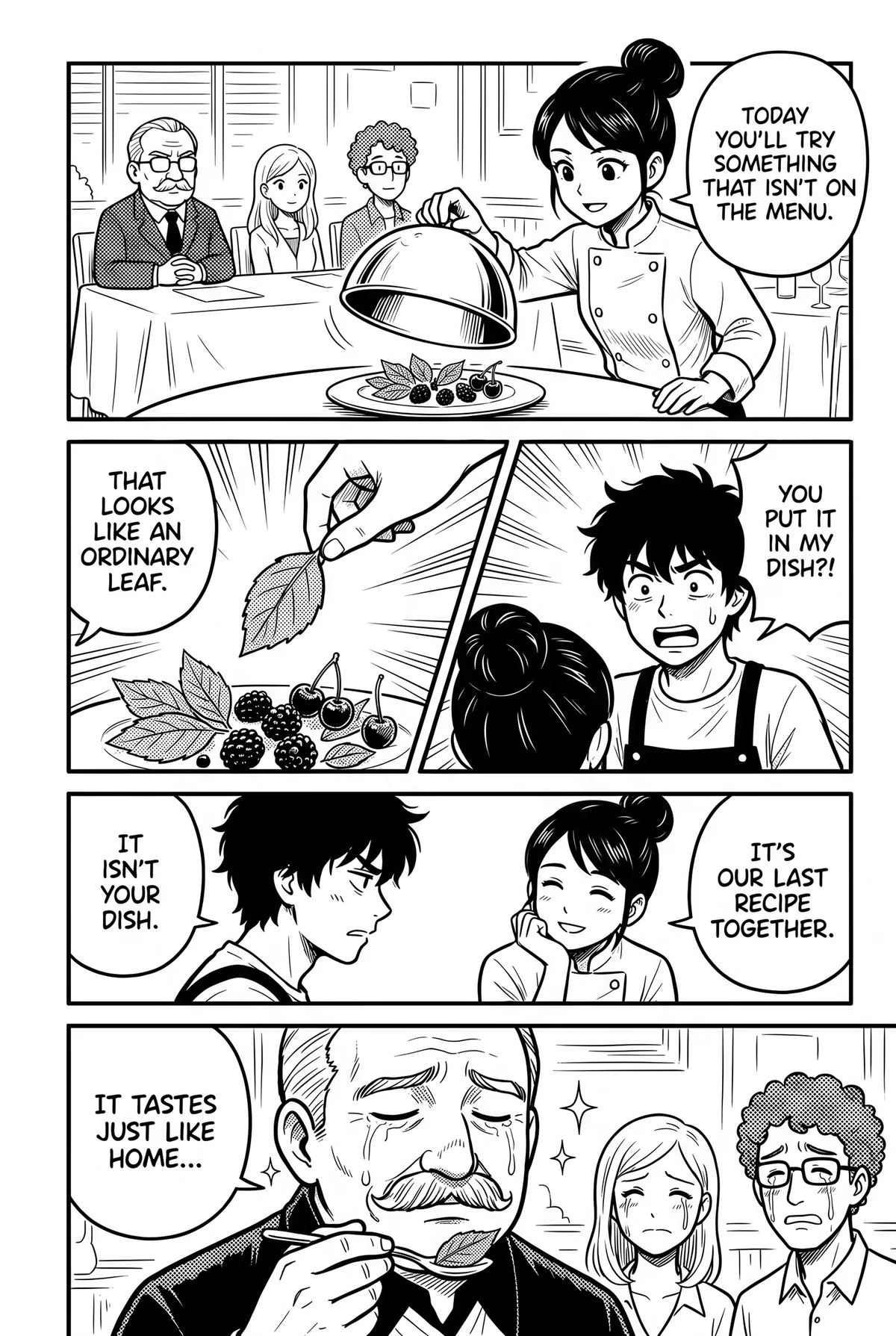
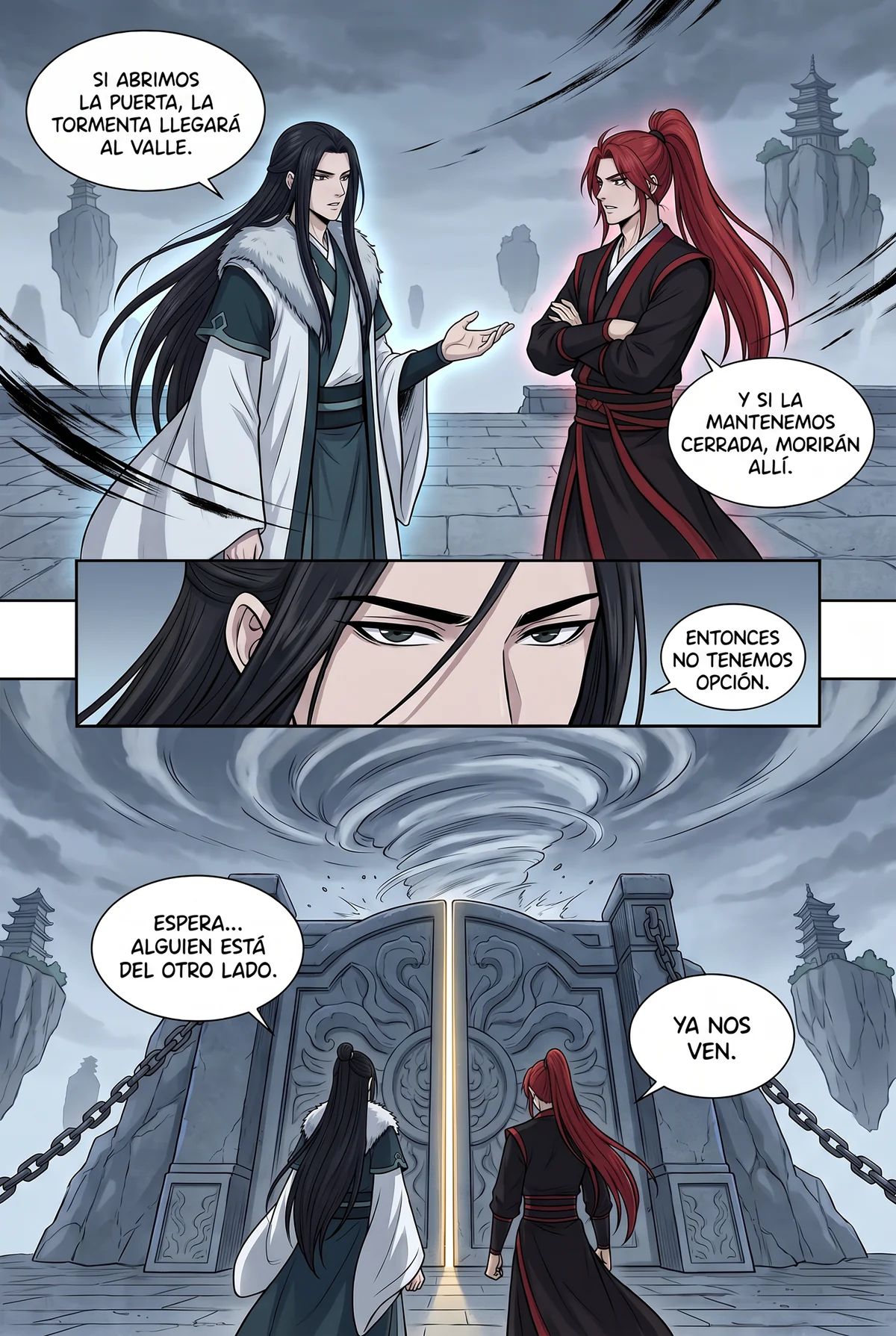
AI translations, genre by genre.
AI manga translator vs the alternatives.
What you get, and what you pay, with each kind of AI manga translator.
| Manhwave | Screenshot translators | Upload-a-page AI sites | Other translator extensions | Bring-your-own-key tools | |
|---|---|---|---|---|---|
| Text lettered inside the bubbles, art cleaned | ✓ | ✕pasted over the image | ~varies by site | ~some only overlay boxes | ~depends on your setup |
| Works on the site you already read, no uploads | ✓ | ~one image at a time | ✕save, upload, download | ✓ | ~depends on your setup |
| Text read on your device, pages never uploaded or stored | ✓ | ✕image sent to the service | ✕full pages uploaded | ✕pages usually sent to their servers | ~depends on your setup |
| Original text one hover away | ✓ | ~toggle back to the original | ✕ | ~varies | ~varies |
| No API key or setup | ✓ | ✓ | ✓ | ~some ask for your own key | ✕API key, often Python or a GPU |
| Low cost for a whole chapter | ✓from about 1¢ a chapter on paid plans | ✓free, image by image | ~paid per page, adds up | ~usually paid per image | ~per-use API bills |
| Free every week, no card | ✓50 credits a week, 100 with email | ✓free | ~a few pages a day | ~small trial, then paid | ~free software, you pay the AI provider |
Columns describe typical tools of each kind as checked in September 2026; individual products differ. Manhwave: Starter $4.99/mo for 1,000 credits, Plus $9.99/mo for 3,000, one-time 1,000 credits for $5.99; credits are counted by text, not images. Cancel or change your plan yourself in your account.
AI manga translator questions.
What is an AI manga translator?
How is AI translation better than Google Translate for manga?
Which AI does Manhwave use?
Do I need an API key?
Is AI translation accurate enough to follow the story?
Does the AI see my screen or the sites I visit?
More guides.
Let the AI do the reading work.
Install Manhwave and translate your first chapter in under a minute.
Add Manhwave to Chrome for freeFree credits every week · no card · desktop Chrome