Manga translator that works where you read.
Manhwave translates manga right on the reader page, on official platforms such as WEBTOON, Tapas and Tappytoon and other reader sites. No uploads, no screenshots, no waiting for a scanlation. Install, click Translate, read.
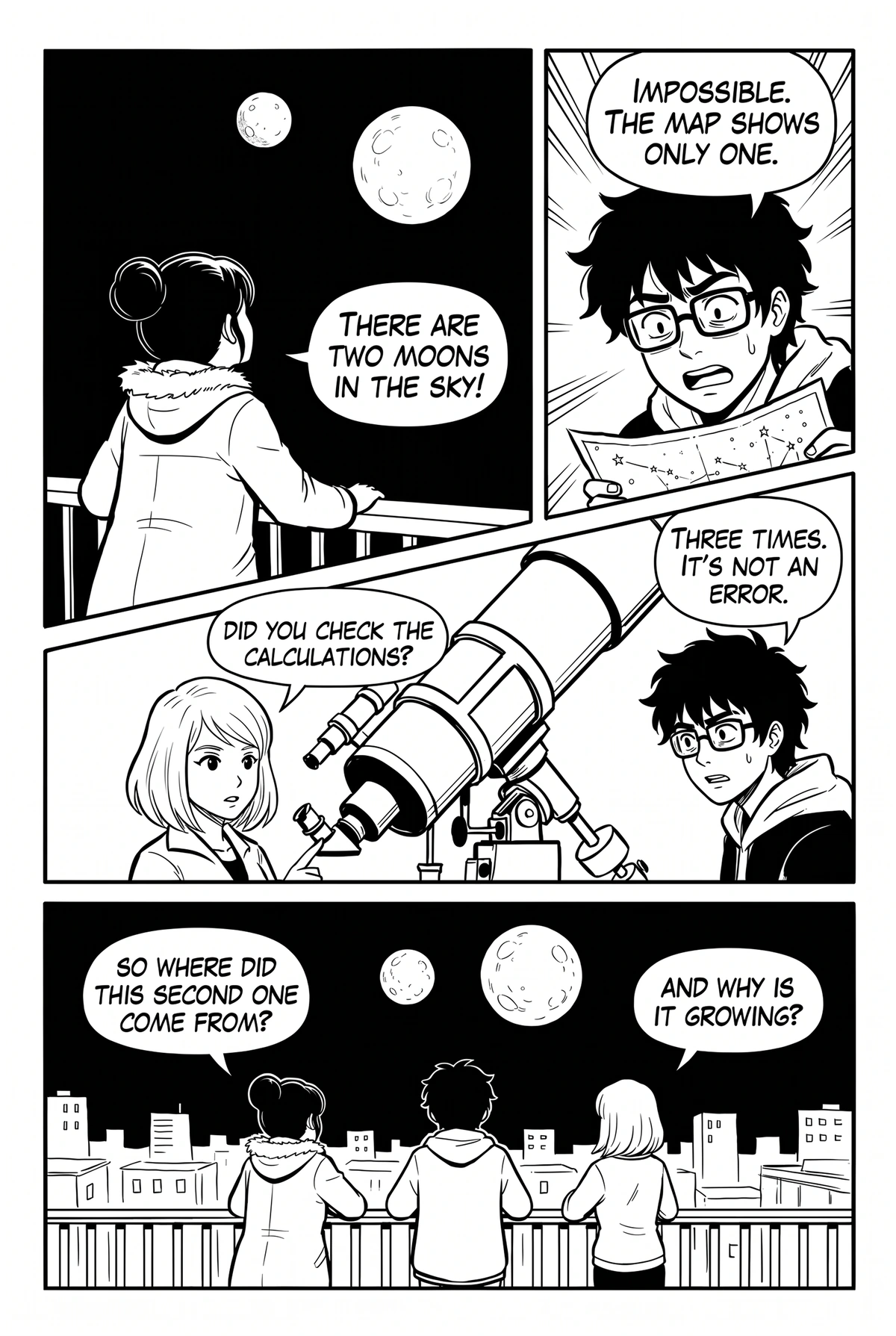

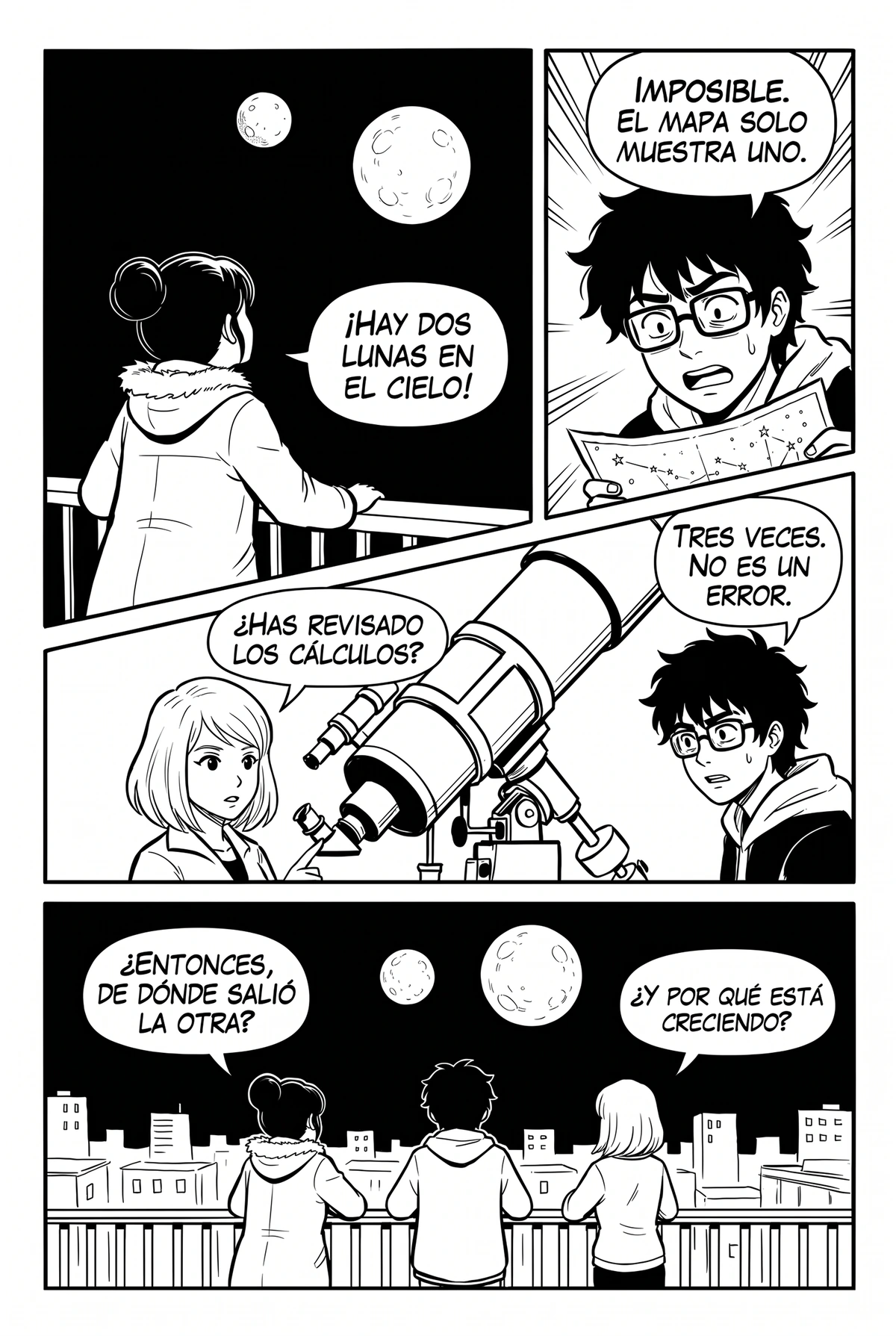

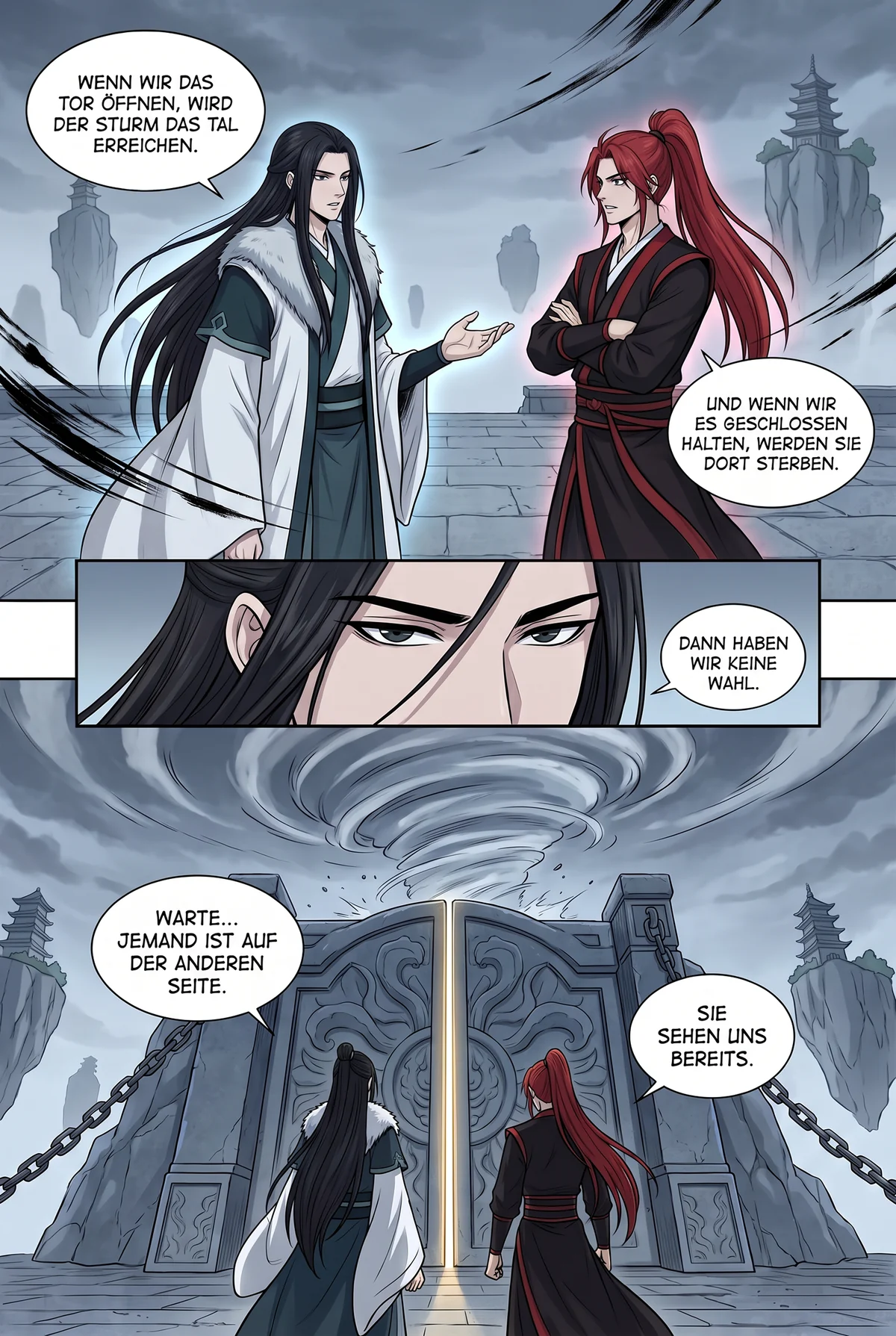
Sci-fi mystery · same page, four languages
Same page. Your language.
Drag the handle: the same cooking drama page in English and in Spanish. Same panels, same bubbles, a different language.

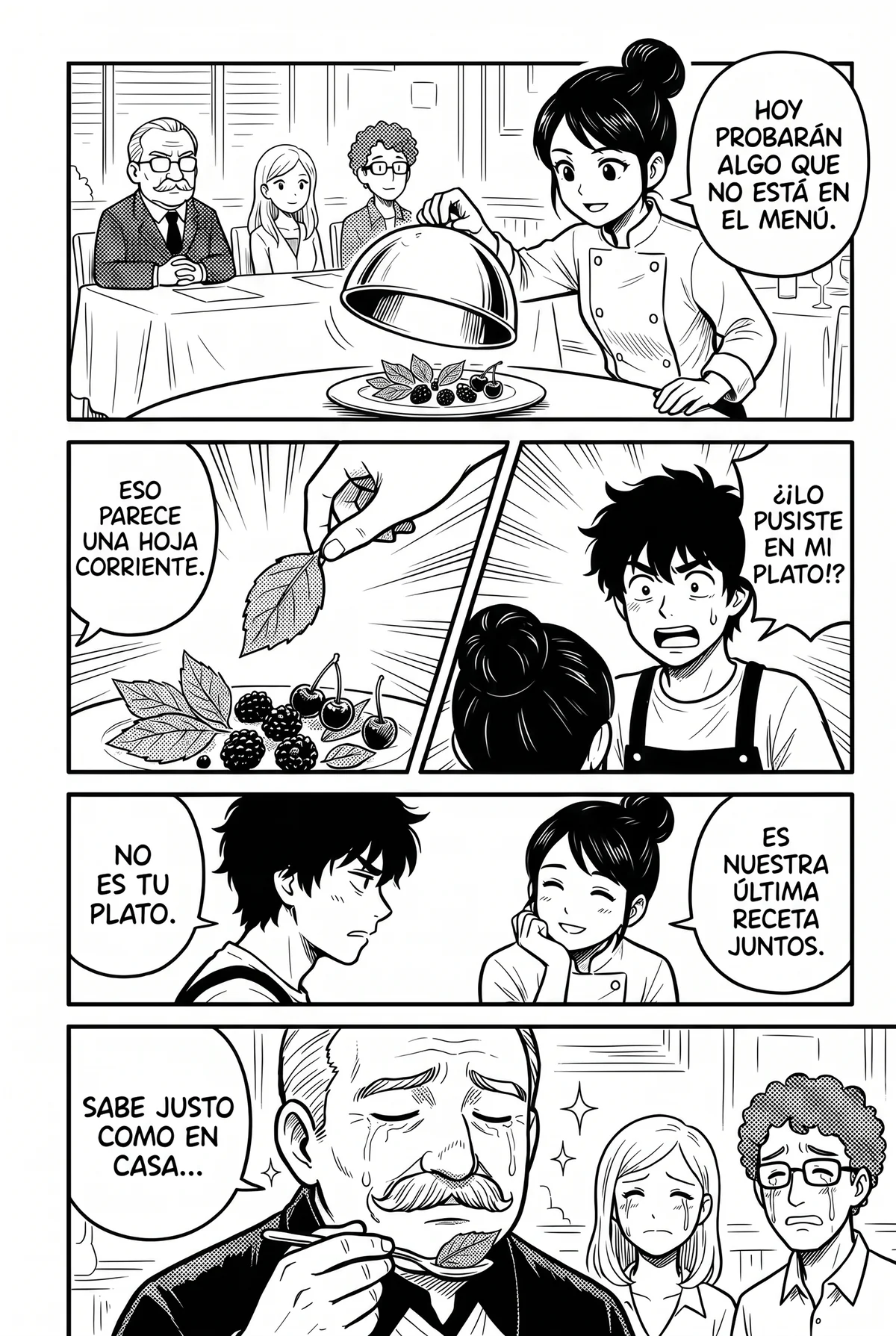
Drag the handle or use the slider · Cooking drama
A manga translator should read with you, not make you upload.
Most manga translators are upload boxes. You save a page, drop it into a website, wait, download the result and go back to your reader for the next page. That is fine for one page. It is unbearable for a 60-page chapter released every week.
A manga translator worth using has to solve four problems at once: find the speech bubbles on a busy page, read the lettering, including vertical Japanese and hand-drawn shouts, translate with context so a character sounds like the same person from panel to panel, and letter the result back so it looks like the page was always in your language.
Manhwave does all four on the reader page itself. The extension watches the chapter as you scroll, finds every bubble and caption, reads it on your device and draws the translation into the original bubble in manga lettering. The site is never modified and nothing has to be uploaded.
The result is a manga translator that behaves like a reading mode rather than a tool: turn it on, read, turn it off. The original text of every line stays one hover away, which also makes it a quiet way to learn the language you are reading.
How Manhwave translates a manga page.
Three steps, no setup, no API keys. The heavy lifting happens in your browser.
Detect and read.
A comic-trained model finds every bubble, caption and sound effect on the page and OCR reads the text, including Japanese, vertical text too; results depend on the page. Your pages are never uploaded.
On your deviceTranslate.
The extracted lines go to our servers (for some languages with a small low-resolution preview of the page, used for grammar only), where language models tuned for dialogue translate the whole chapter as one story. Names, honorifics and tone stay consistent.
Manhwave cloudClean and letter.
Inpainting removes the original lettering and rebuilds the art beneath it. The translation is fitted into the bubble in a manga font, sized to match the original.
On your deviceEverything a manga reader actually needs.
Works where you read
Official platforms such as WEBTOON, Tapas, Tappytoon and Manta, and other reader sites. No site list to check: if the chapter’s pages load as regular images, Manhwave reads them.
26 target languages
From Japanese, Chinese, Korean or English into English, Spanish, German, French, Portuguese, Italian, Polish, Romanian, Russian, Indonesian, Vietnamese, Thai, Turkish and more.
Art stays art
No grey boxes over the drawing. Original lettering is cleaned out and the artwork under it is reconstructed. Sound effects and logos stay exactly as drawn.
Manga lettering
Three lettering styles and a text scale slider. Text is sized to the original and shrinks only when it would not fit its bubble.
Original on hover
Every translated line keeps its source text. Hover a bubble to see the original, which is the easiest language lesson you will ever get.
Private by design
Detection and OCR run on your device. Your pages are never uploaded or stored, and we do not keep a history of the chapters you read.
Manga pages in your language.
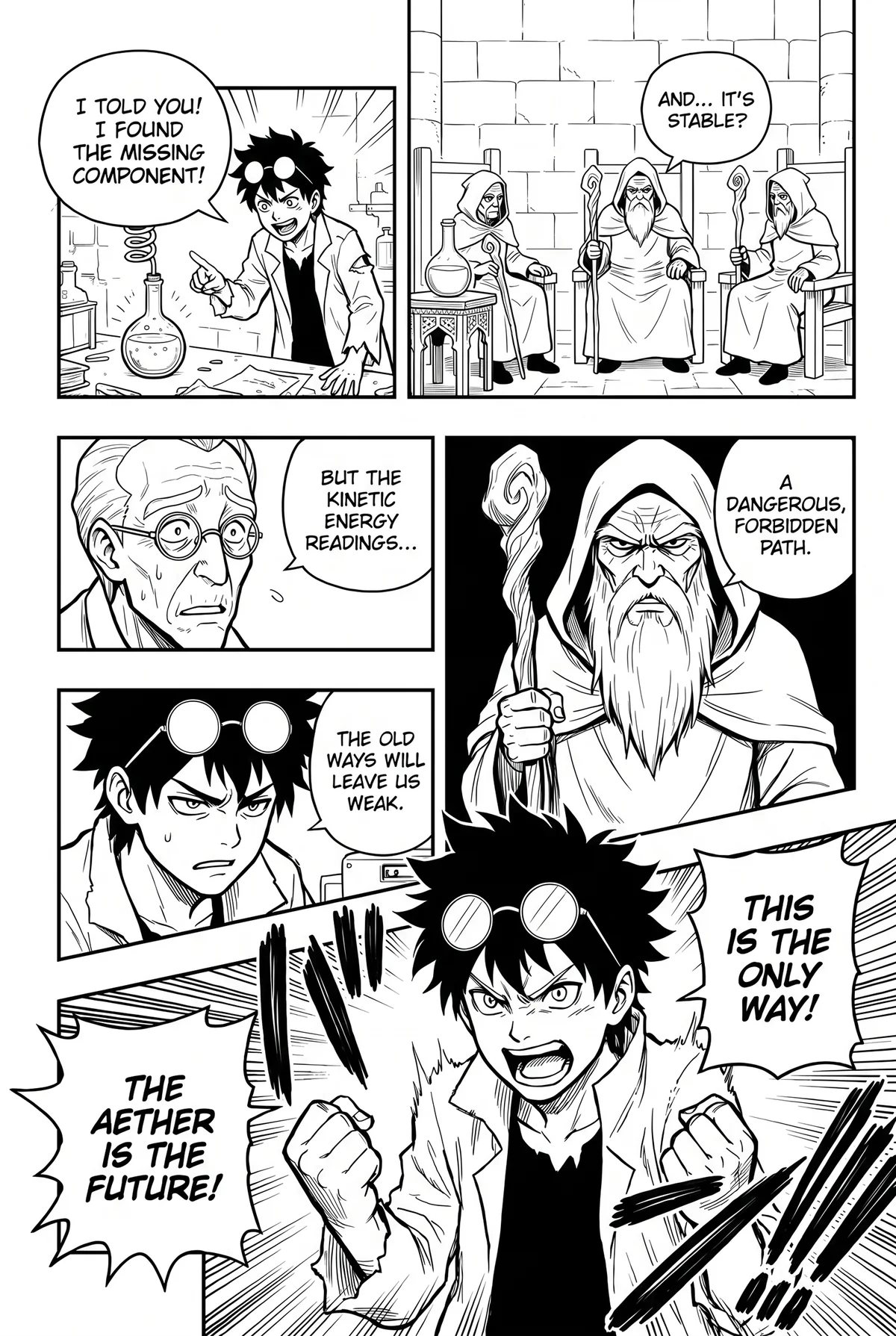

Manga translator options side by side.
Four ways to read a chapter that is not out in your language yet, and what each one costs you.
| Manhwave | Upload-a-page sites | Screenshot translators | Other translator extensions | Waiting for scanlation | |
|---|---|---|---|---|---|
| Text lettered inside the bubbles, art cleaned | ✓ | ~varies by site | ✕pasted over the image | ~some only overlay boxes | ✓ |
| Works on the site you already read, no uploads | ✓ | ✕save, upload, download | ~one image at a time | ✓ | ~ |
| Text read on your device, pages never uploaded or stored | ✓ | ✕full pages uploaded | ✕image sent to the service | ✕pages usually sent to their servers | ✓ |
| Original text one hover away | ✓ | ✕ | ~toggle back to the original | ~varies | ✕ |
| Read it today, not in weeks | ✓ | ✓ | ✓ | ✓ | ✕days to weeks, popular titles only |
| Low cost for a whole chapter | ✓from about 1¢ a chapter on paid plans | ~paid per page, adds up | ✓free, image by image | ~usually paid per image | ✓free |
| Free every week, no card | ✓50 credits a week, 100 with email | ~a few pages a day | ✓free | ~small trial, then paid | ✓free |
Columns describe typical tools of each kind as checked in September 2026; individual products differ. Manhwave: Starter $4.99/mo for 1,000 credits, Plus $9.99/mo for 3,000, one-time 1,000 credits for $5.99; credits are counted by text, not images. Cancel or change your plan yourself in your account.
Manga translator questions.
What is a manga translator?
Does Manhwave translate manga for free?
Which manga sites does it work on?
Can it translate manga from Japanese to English?
Does it change the manga images?
Is a manga translator legal to use?
More guides.
Read the chapter that dropped today.
Install Manhwave, open a chapter on your reader site and click Translate.
Add Manhwave to Chrome for freeFree credits every week · no card · desktop Chrome