Best AI manga translators of 2026.
Seven tools, five criteria, one question: which one lets you read the chapter that dropped today? Here is how they compare, with the trade-offs spelled out.




Cooking drama · same page, four languages
Same page. Your language.
Drag the handle: the same sci-fi mystery page in English and in Spanish. Same panels, same bubbles, a different language.
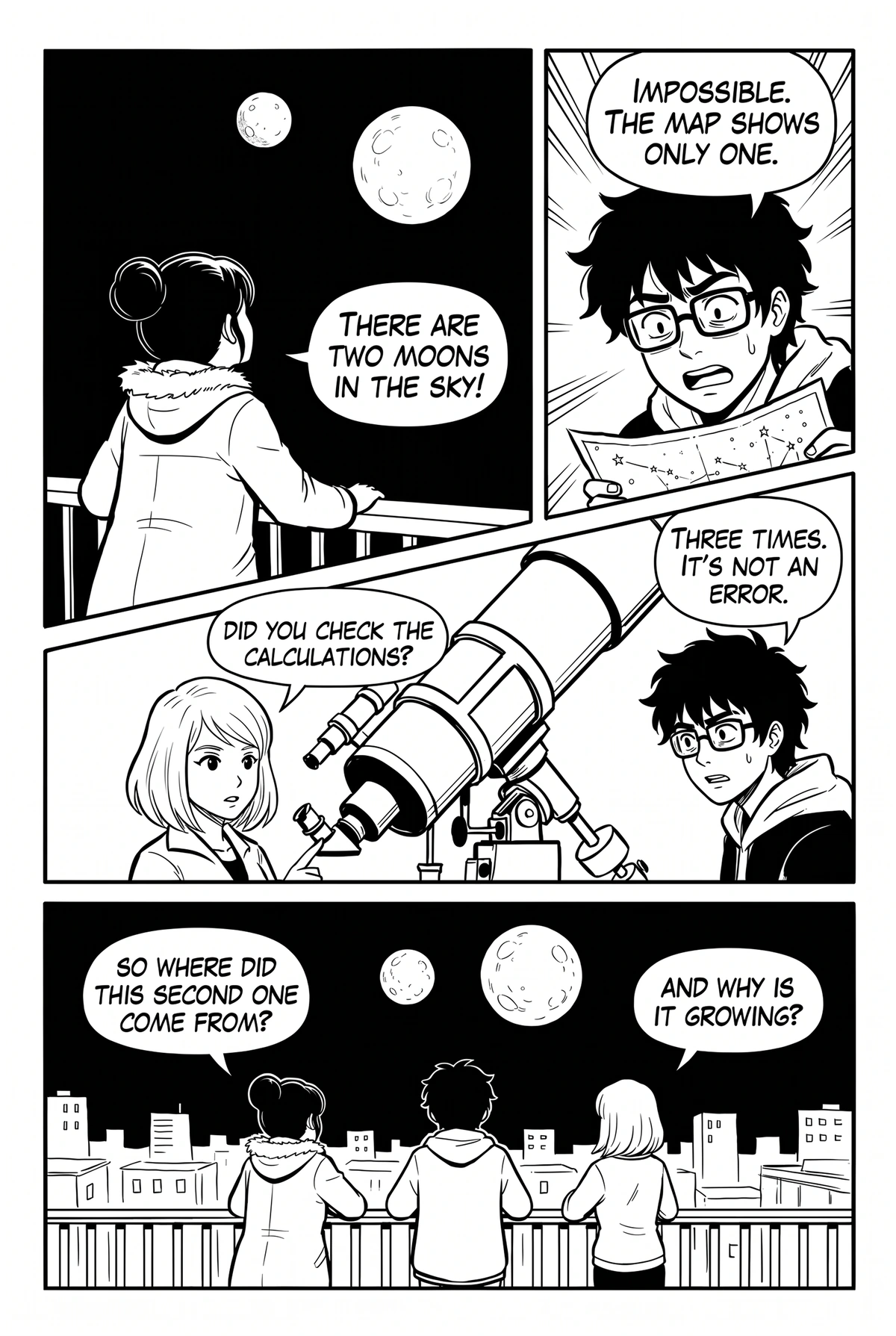

Drag the handle or use the slider · Sci-fi mystery
The short version.
Scroll the table on small screens. Full breakdowns with pros and cons follow below.
| Manhwave | AI Manga Translator | mangatranslate | manga-image-translator | Ichigo Reader | Google Lens | |
|---|---|---|---|---|---|---|
| Price | 50 to 100 free credits every week, from $4.99/mo (from about 1¢ a chapter) | 5 free pages, then 3 a day; packs from about $4 | 5 free credits a day; plans from about $8/mo | free; GPU recommended | 40-translation trial, from $5.99/mo | free |
| Translates on the reader page | ✓sites that show pages as images | ✓30+ preset sites, switch on for others | ✕ | ✕ | ~other sites need a Windows helper app | ~image by image in Chrome |
| Pages never uploaded or stored | ✓ | ✕ | ✕ | ✓ | ✕ | ✕ |
| Language-model translation | ✓ | ✓ | ~optional engine | ~depends on setup | ~tiered AI models | ✕ |
| Inpainting and lettering | ✓ | ✓ | ~ | ✓ | ✕overlays | ✕pasted over the art |
| Setup | ✓none | ✓none | ✓none | ✕Python; GPU recommended | ✓none | ✓none |
| Overall score | 4.9 | 4.2 | 3.9 | 3.7 | 3.2 | 2.6 |
All seven, ranked.
Scores are out of 5 and combine translation quality, reading experience, privacy, setup and price.
ManhwaveOur pick
Score 4.9 / 5Best for: Reading new chapters in your language the day they come out, on the site you already use. Sources: English, Japanese, Chinese and Korean.
Unlike most tools here, Manhwave does the whole job inside the reader tab and keeps the page images on your device. A comic-trained detector and OCR run in the extension, the extracted text goes to language models tuned for dialogue (for some languages with a small low-resolution preview of the page), and local inpainting plus manga lettering put the translation back into the bubbles. It works on reader sites that show pages as regular images, so there is no supported-sites list to check, and every line keeps its original text one hover away.
Pros
- Translates on the reader page while you scroll, no uploads
- Detection, OCR and artwork cleanup run on your device; your pages are never uploaded or stored
- Language models translate the whole chapter as one story, with consistent names and tone
- Inpainting keeps colour art and screentones; sound effects are left as drawn
- Original text on hover, three lettering styles, text scale slider
- 26 target languages, credits instead of per-page pricing (counted by text, not images), saved chapters re-read free
- No API keys or setup; 50 free credits every week without signup, 100 a week after email, no card
Cons
- Desktop Chrome only for now; no mobile version
- Can’t read pages drawn on a protected canvas
- Sound effects are intentionally left untranslated
- Needs an internet connection for the translation step
AI Manga Translatorai-manga-translator.com
Score 4.2 / 5Best for: Translating files you already have, such as a whole volume in PDF, EPUB or CBZ.
A polished web app with a large-language-model translation pipeline, automatic inpainting and typesetting, plus a Chrome and Firefox extension with 30+ preset reader sites that can also be switched on for others. Its strength is batch work: upload an entire volume and get a translated file back. Pages are processed on its servers.
Pros
- Strong translation quality from modern language models
- Batch upload of PDF, EPUB and CBZ volumes
- Inpainting and typesetting included
- Extension with 30+ preset sites, switchable on others
Cons
- Page images are uploaded and processed on its servers
- On sites outside its preset list you switch the extension on manually
- Free tier: 5 trial pages, then 3 pages a day (checked September 2026)
- In our test, sound effects were not always handled
mangatranslateweb app
Score 3.9 / 5Best for: Users who want to choose between several translation engines.
A web-based translator that lets you pick the backend, from language models to Papago and Google Translate, with batch processing and an API. It has a wide language list and a tidy interface. Like every upload tool, it takes you out of your reader for each page or file, and its credit multipliers take a moment to understand.
Pros
- Choice of translation engines
- Batch processing and API access
- Very wide language coverage
Cons
- Mainly upload-based; not built for reading on the source site
- Subscriptions start around $8/mo; pay-per-image is also available
- Credit multipliers per engine make costs harder to predict
manga-image-translatoropen source
Score 3.7 / 5Best for: Developers who want full control and full privacy, ideally with a CUDA GPU.
A widely used open-source pipeline that several web tools have built on. It chains detection, OCR, translation and inpainting in one pipeline and can be pointed at almost any translation backend. It is genuinely capable, but it is a Python project, not a product: expect to install dependencies, configure models and wait a long time per page without a GPU.
Pros
- Free and open source
- Everything runs on your own machine
- Flexible backends and settings
Cons
- Requires Python and technical setup; a CUDA GPU is strongly recommended
- Very slow on CPU
- No reading-mode experience; results are files
Ichigo ReaderChrome extension
Score 3.2 / 5Best for: Quick overlay translations while reading, with apps on phone.
A browser extension, with web upload and mobile apps, that overlays translations on manga images as you read. The overlays sit on top of the art rather than replacing the lettering, busy panels can get crowded, and using it on any site requires a separate Windows helper app. Images are processed on its servers.
Pros
- Free trial
- Real-time, no manual upload
- Apps on phone and web
Cons
- Full any-site support requires a separate Windows helper app (checked September 2026)
- Overlays can cover the art on busy panels
- No inpainting or lettering control
Google Lens / Translate camerageneral purpose
Score 2.6 / 5Best for: Looking up a single line of text on a phone.
Point your camera at a page and see a translation pasted over it. It supports more languages than anything else here, but it was built for street signs, not comics: vertical and stylised lettering is read less reliably, the translation is pasted over the art rather than lettered into the bubble, and each image is translated without context from the rest of the chapter.
Pros
- Free
- Huge language list
- Instant on a phone
Cons
- Poor accuracy on manga lettering
- Translated text is pasted over the image, not lettered into bubbles
- No sense of speaker or context between bubbles
- Images are uploaded to Google
Scanlation groupsthe human benchmark
Benchmark, not scoredBest for: The best possible quality, if you can wait and if someone is translating your series.
Human translators, cleaners and typesetters produce the gold standard for wordplay, cultural references and lettering. The catch is time and coverage: popular series get translated within days, everything else gets translated late or never, and a group can drop a series without notice. For licensed series, official simultaneous releases from publishers are the fastest legal option.
Pros
- Highest quality when done well
- Perfect handling of jokes and references
Cons
- Days to weeks after the raw, if at all
- Coverage limited to popular series
- Cannot be relied on for a given series
Our verdict.
For reading, Manhwave. For converting files, AI Manga Translator.
If your problem is „the chapter came out today and I want to read it now”, Manhwave is the clear winner in 2026. It is the only tool we tested that combines on-page translation, on-device detection and OCR, language-model translation with chapter-wide context, and inpainting with manga lettering, while never uploading or storing your pages (checked September 2026).
If your problem is „I have a folder of volumes and want translated files back”, AI Manga Translator’s batch upload is the better fit, and manga-image-translator is the option for people who want to run everything themselves on a GPU. Google Lens and Ichigo Reader are fine for a quick look, and scanlation groups remain the quality benchmark whenever they cover your series.
Manhwave is our product, so we have an obvious interest here. The free credits exist so you do not have to take our word for it.
How we ranked them.
Five criteria, weighted towards what matters when you actually read.
Dialogue, names and honorifics on the same chapters across tools. Consistency across the chapter counted more than any single line.
Does it work where you read, on which sites, and does the result look like a comic page or a document with boxes on it.
Where the page images go. On your device, on the tool’s servers, or on a third party’s.
Time from discovering the tool to a translated page, and whether you need accounts, keys, GPUs or command lines.
What you can try for free and what a monthly reading habit costs. Per-page and credit models were compared on a 60-page manga chapter.
Based on public documentation and our own testing in September 2026. Tools change quickly; if something here is out of date, tell us at contact@manhwave.com.
Ranking questions.
What is the best AI manga translator in 2026?
What is the best free manga translator?
Which manga translator has the best accuracy?
Can I translate manga on my phone?
How did you rank these tools?
More guides.
Try the #1 pick.
Free credits every week, no card. Read the chapter that dropped today.
Add Manhwave to Chrome for freeFree credits every week · no card · desktop Chrome