The manga translator extension that reads any site.
No site list, no uploads, no tabs full of screenshots. Manhwave sits in your toolbar and translates the chapter you have open, on the site you already use.




Slice of life · same page, four languages
Same page. Your language.
Drag the handle: the same murim page in English and in Spanish. Same panels, same bubbles, a different language.
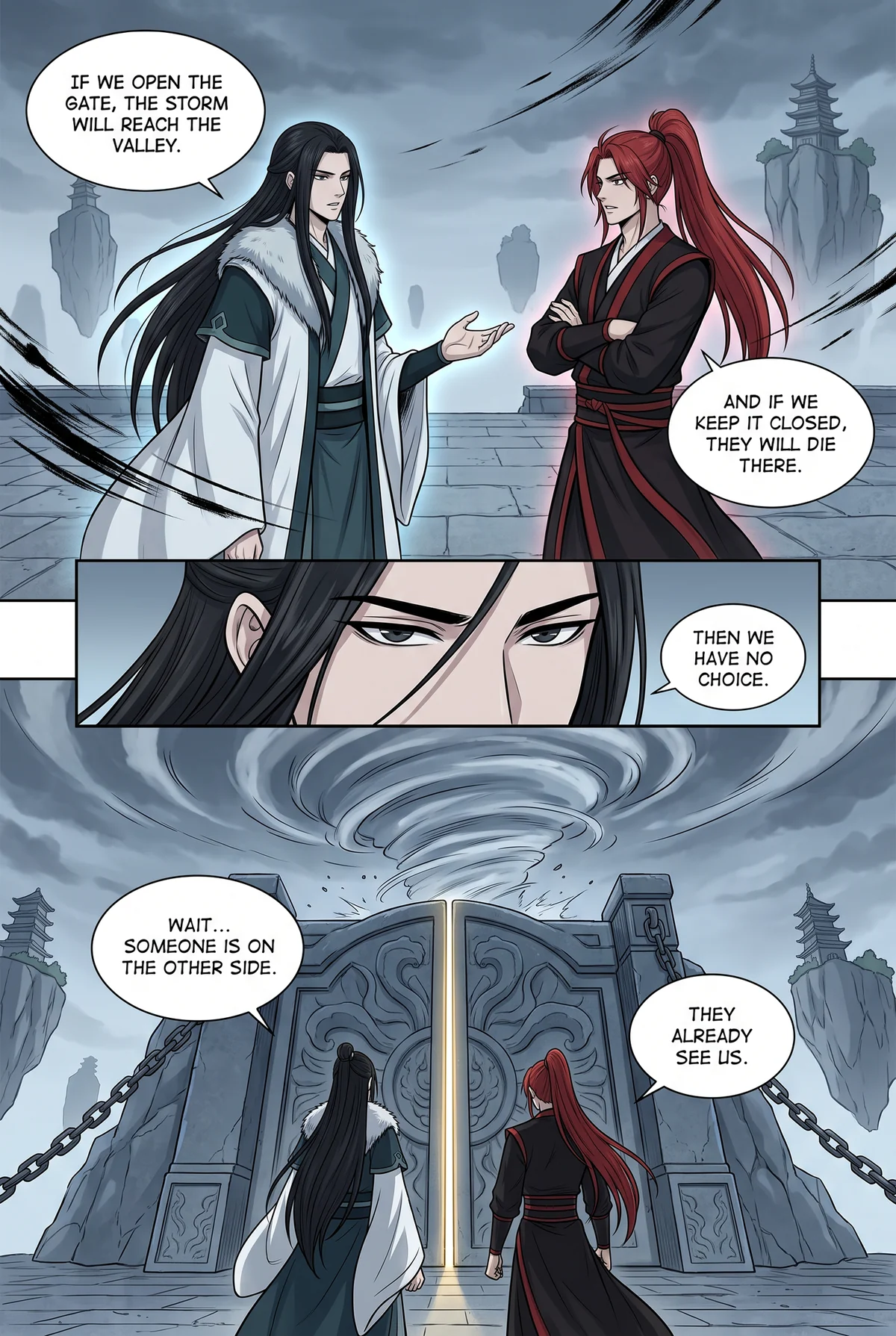

Drag the handle or use the slider · Murim
Why an extension beats uploading pages.
Upload-based translators ask you to leave your reader, save each page, drop it into a website and wait. For a 70-panel webtoon episode that is 70 round trips. Even tools that accept whole chapter files need you to find those files first, and they still return a separate document you read somewhere else.
A manga translator extension removes the round trip. The chapter you have open is the input and the output. You keep the reader you like, its chapter list, your bookmarks and your place on the page. Translation becomes something the page does, not something you do to the page.
Manhwave takes that one step further than other extensions. Most of them send the page images to a server to be read. Manhwave finds and reads the bubbles on your device, so it works on reader sites that show pages as regular images, and your pages are never uploaded.
It also treats your reading like reading. The extension never scrolls for you, never prefetches chapters and only translates the pages you actually load. Turn it on, read, turn it off with one click.
Install. Click. Read.
Thirty seconds from the Chrome Web Store to your first translated page.
Install.
Add Manhwave from the Chrome Web Store and pin the icon. No account is needed for your 50 free credits a week; confirming your email raises them to 100 a week.
Click Translate.
Open a chapter on your manga or manhwa site, click the Manhwave icon, choose your target language and press Translate.
Read.
Bubbles are translated as they come into view. Hover any line to see the original. Use the same controls to pause or return to the original page.
What the extension does for you.
Any site, no list
Reads the images on the page rather than a site-specific feed, so new reader sites work without an update.
One click on, one click off
Toggle translation from the toolbar. The site, its images and files are never modified.
No page uploads
Bubble detection, OCR and artwork cleanup run in the extension. The extracted text is sent for translation, for some languages with a small low-resolution preview of the page.
Lettering controls
Choose Manga, Comic or Classic lettering and adjust text size. Changes apply to the current page without translating again.
Saved translations
Every translated chapter is kept in your account. Re-reading is free and instant.
Reads at your pace
Pages are translated only as you load them. No auto-scroll, no prefetching, no surprises on your credit balance.
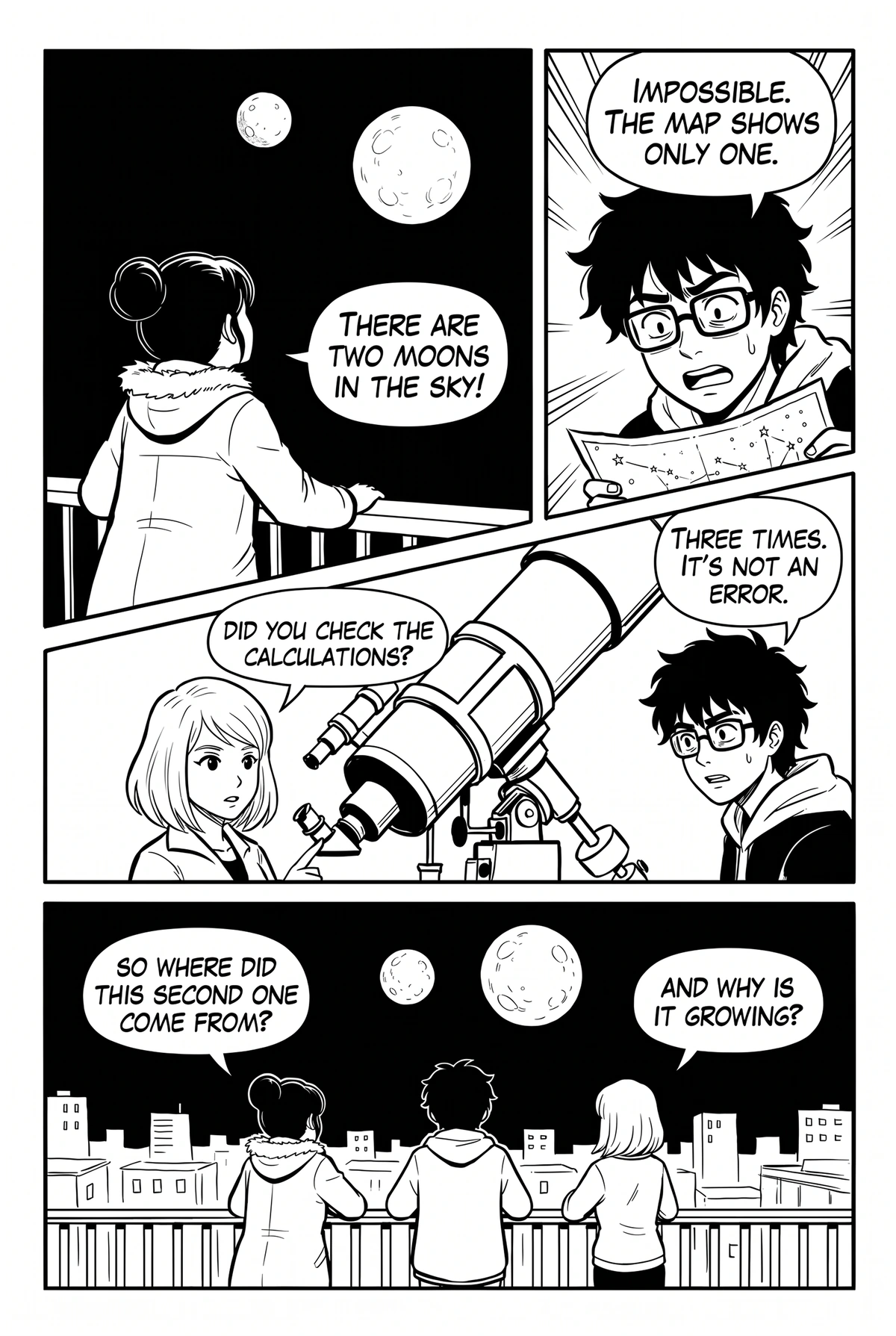
The extension, genre by genre.


Manga translator extension vs the rest.
Before you pay for a translator extension, check what the price actually covers.
| Manhwave | Other translator extensions | Upload-a-page sites | Screenshot translators | Waiting for scanlation | |
|---|---|---|---|---|---|
| Text lettered inside the bubbles, art cleaned | ✓ | ~some only overlay boxes | ~varies by site | ✕pasted over the image | ✓ |
| Works on the site you already read, no uploads | ✓ | ✓ | ✕save, upload, download | ~one image at a time | ~ |
| Text read on your device, pages never uploaded or stored | ✓ | ✕pages usually sent to their servers | ✕full pages uploaded | ✕image sent to the service | ✓ |
| Original text one hover away | ✓ | ~varies | ✕ | ~toggle back to the original | ✕ |
| Re-reads and failed pages cost nothing extra | ✓saved translations, free retries | ~varies | ~varies | ✓free | ✓ |
| No API key or setup | ✓ | ~some ask for your own key | ✓ | ✓ | ✓ |
| Low cost for a whole chapter | ✓from about 1¢ a chapter on paid plans | ~usually paid per image | ~paid per page, adds up | ✓free, image by image | ✓free |
| Free every week, no card | ✓50 credits a week, 100 with email | ~small trial, then paid | ~a few pages a day | ✓free | ✓free |
Columns describe typical tools of each kind as checked in September 2026; individual products differ. Manhwave: Starter $4.99/mo for 1,000 credits, Plus $9.99/mo for 3,000, one-time 1,000 credits for $5.99; credits are counted by text, not images. Cancel or change your plan yourself in your account.
Extension questions.
Which browsers does the manga translator extension support?
Which sites does the extension work on?
Do I have to upload pages?
What permissions does it need?
Does it slow down my browser?
How much does it cost?
More guides.
One extension. Every reader.
Add Manhwave to Chrome and translate the chapter you have open right now.
Add Manhwave to Chrome for freeFree credits every week · no card · desktop Chrome