Manhwa translator made for long-strip webtoons.
Many manhwa reach English long before your language. Manhwave translates the English chapter you are reading on the page, while you scroll, with the colour art intact. It reads Korean raws too.
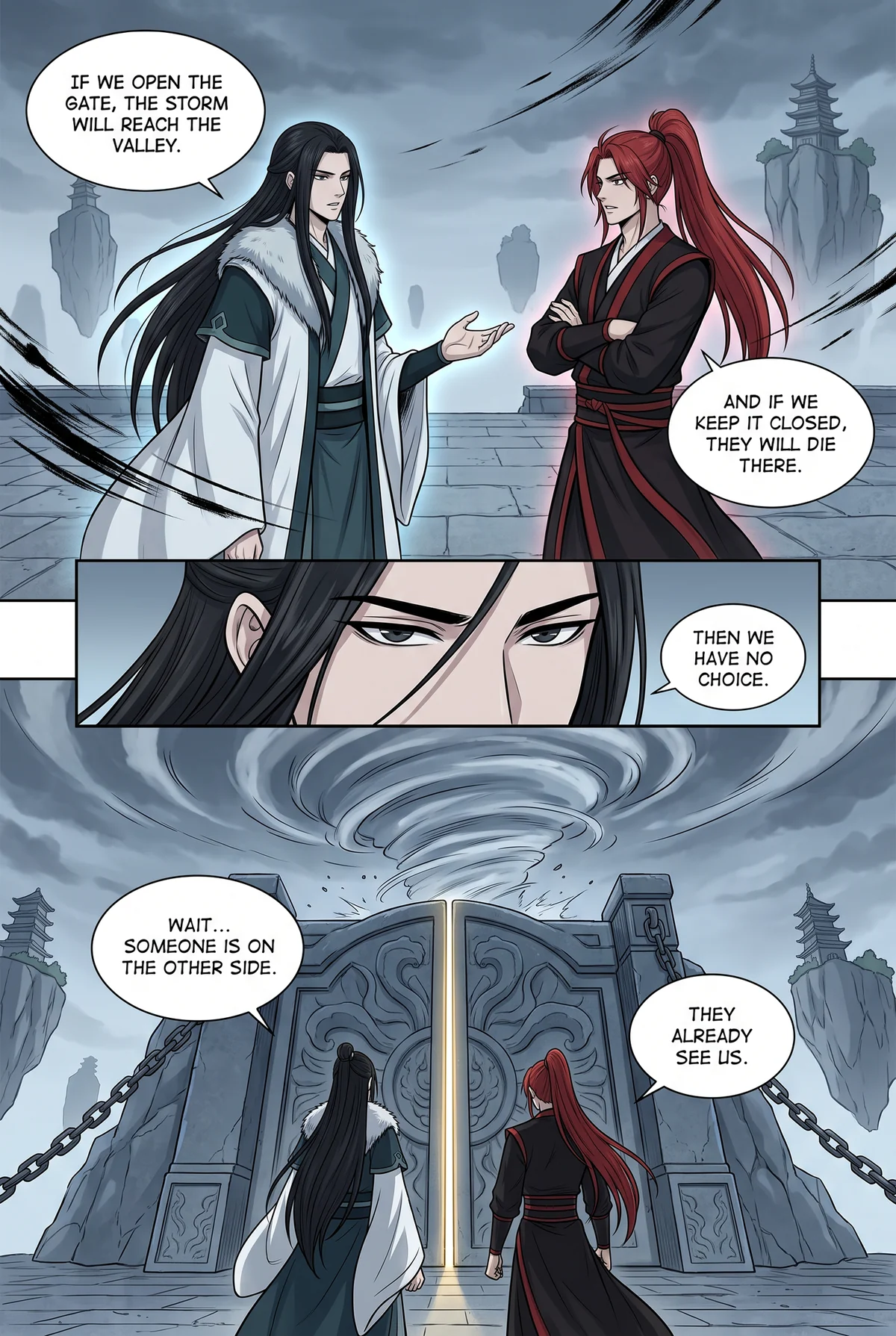
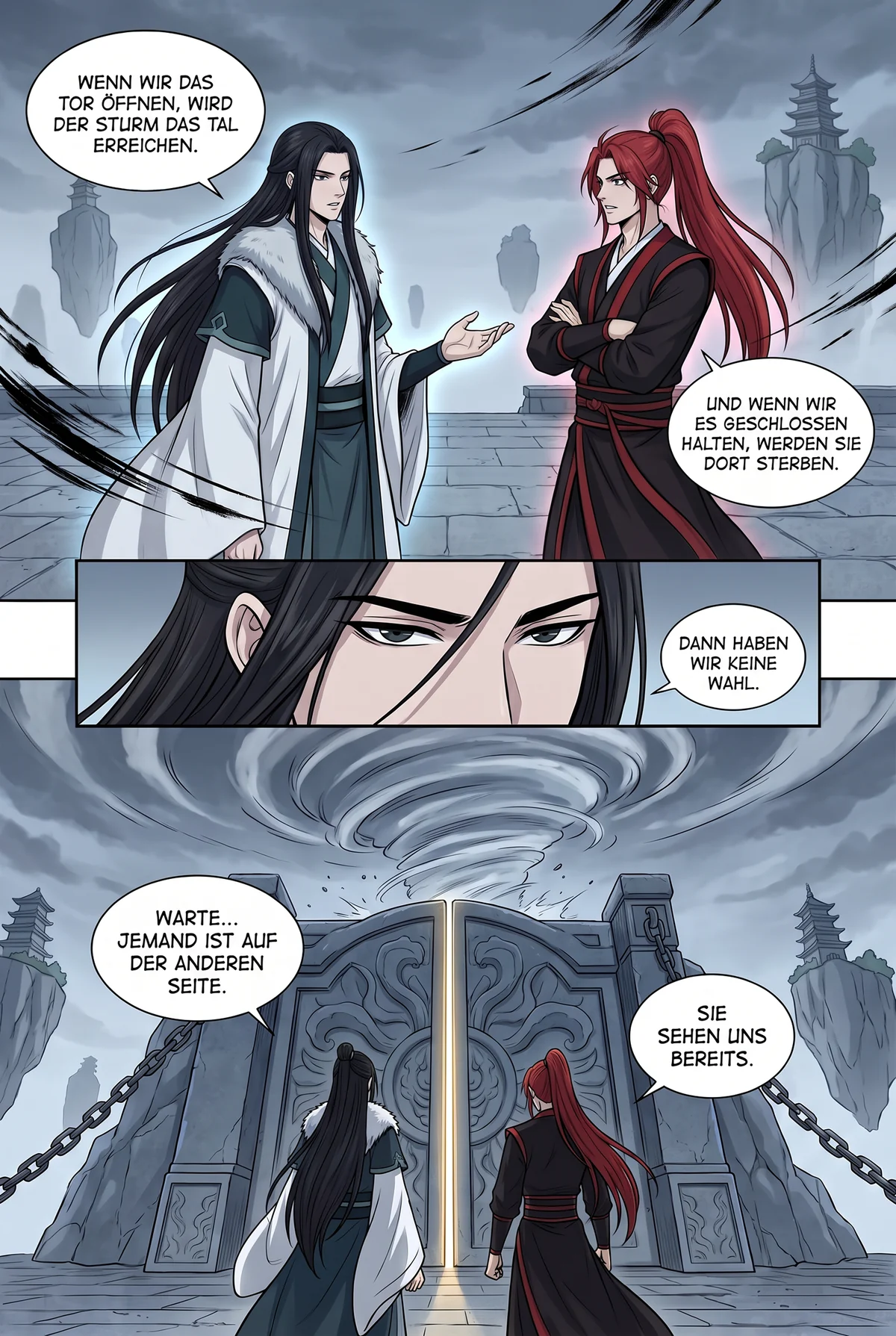
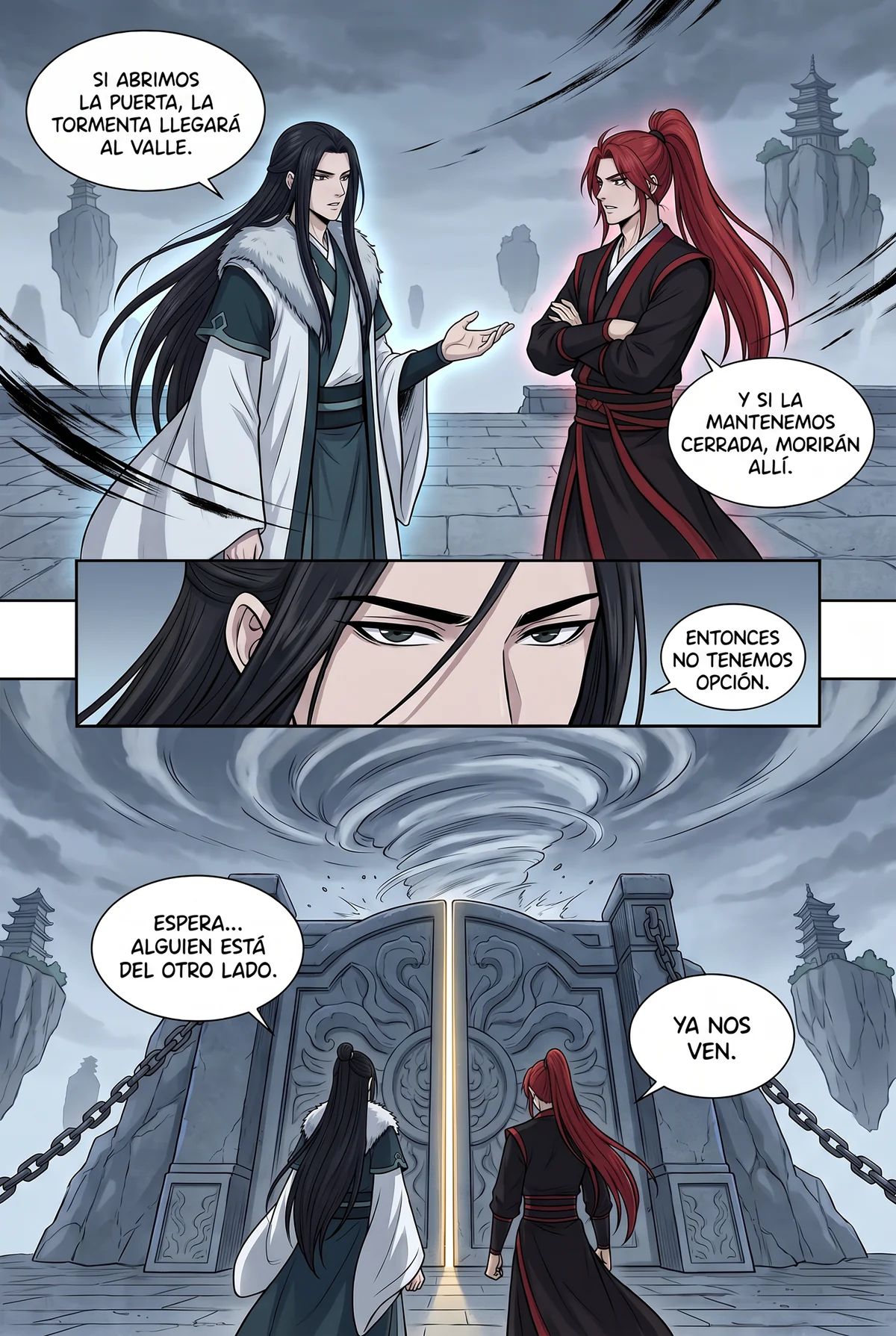
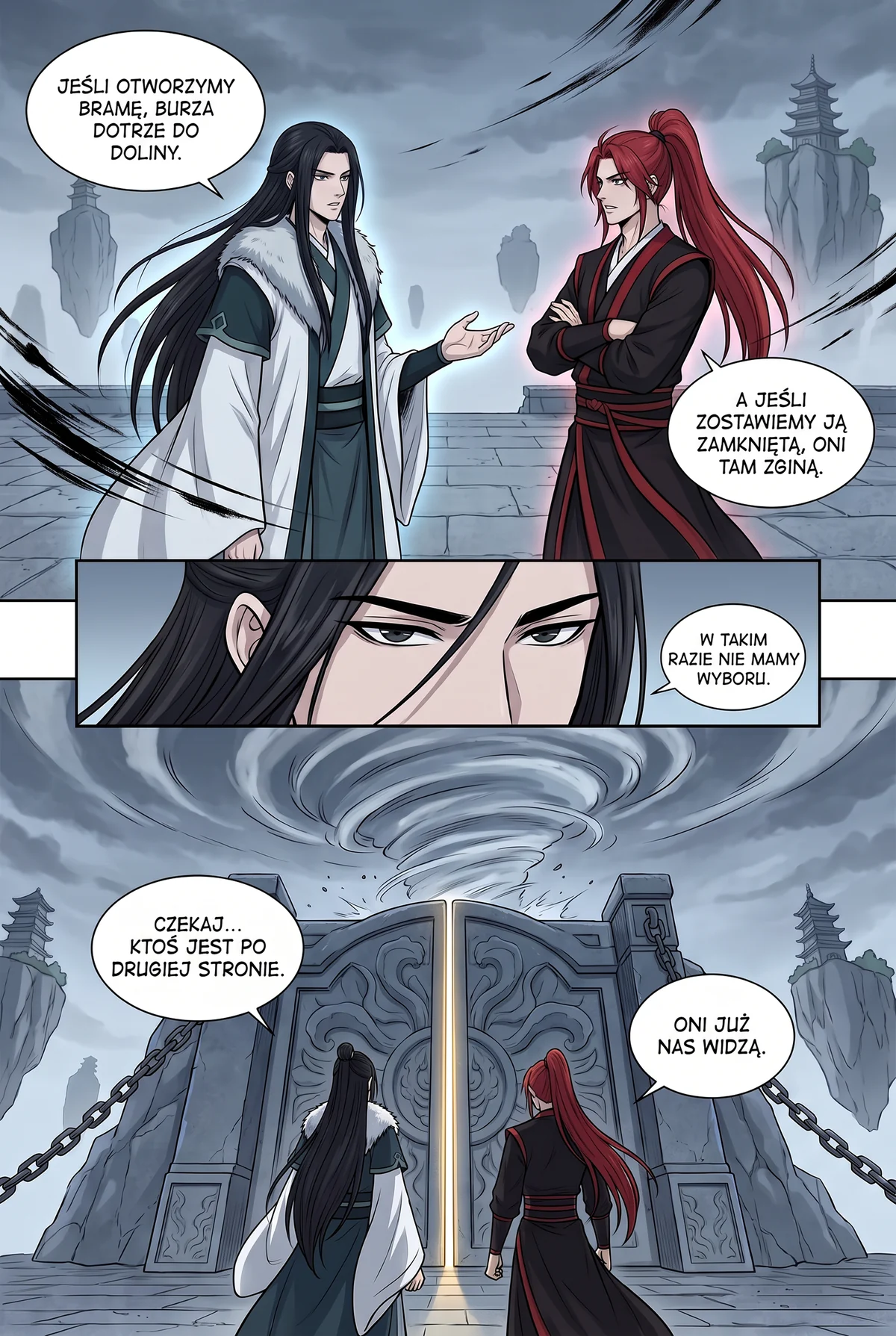
Murim · same page, four languages
Same page. Your language.
Drag the handle: the same slice of life page in English and in Spanish. Same panels, same bubbles, a different language.


Drag the handle or use the slider · Slice of life
Manhwa is not manga with colour added.
A manhwa episode is a vertical strip, often hundreds of panels tall, loaded image by image as you scroll. The bubbles are rounded and soft-edged, the text runs horizontally, and the art is full colour with gradients and lighting effects that run straight under the lettering. Tools built for black-and-white paged manga struggle with all of it.
Manhwa readers also have a different problem with language. Many series reach English first, through official releases or scanlations, while readers of Spanish, Polish, German or Indonesian wait much longer, if a translation comes at all. Manhwave takes the English chapter you are reading and letters it in your language today. It reads Korean raws directly too.
Manhwave was built with webtoons on the desk. Text recognition runs on your device, the strip is translated as it loads rather than as a single file, and the inpainting model rebuilds colour backgrounds under the removed lettering instead of leaving a white patch. Bubbles are re-lettered in a rounded comic font that matches the webtoon look.
System panels, the status windows and skill descriptions of hunter and regression stories, are detected separately and translated in a tone that still reads like an interface. It is a small detail that makes a big difference in how a chapter feels.
How Manhwave translates a webtoon strip.
Detect as you scroll.
A comic-trained detector finds bubbles, captions and system panels in each image as it loads. The strip is never uploaded.
On your deviceRead the text locally.
OCR models bundled with the extension read the text on your device: English, Japanese, Chinese or Korean.
On your deviceTranslate the episode.
The extracted lines go to language models tuned for dialogue, which translate the episode as one story with consistent names.
Manhwave cloudRebuild colour art.
Inpainting removes the original lettering and reconstructs the colour background beneath it, then the translation is lettered into the bubble.
On your deviceBuilt for webtoon readers.
Long-strip aware
Translates panels as they come into view and follows lazy-loading images. No auto-scroll, no prefetching.
Colour inpainting
Gradients, lighting and textures under the original lettering are reconstructed. No white boxes on a night sky.
System panels understood
Status windows and skill descriptions are detected separately and keep their interface tone.
Webtoon lettering
Rounded comic lettering that matches the webtoon look, sized to the original text with line breaks that follow the bubble.
Works where you read
Official platforms such as WEBTOON, Tapas, Tappytoon and Manta, and other reader sites that show the strip as images. No list to check.
Original on hover
See the original text for any line. Handy when a name is transliterated in a way you would not expect.
Manhwa in your language.

Manhwa translator options compared.
Ways to read a manhwa chapter that is not out in your language yet.
| Manhwave | Screenshot translators | Upload-a-page sites | Other translator extensions | Waiting for a translation | |
|---|---|---|---|---|---|
| Colour art under the text rebuilt | ✓ | ✕pasted over the image | ~varies by site | ~some only overlay boxes | ✓ |
| Handles long strips as you scroll | ✓ | ✕one screen at a time | ✕one file at a time | ~varies | ✓ |
| Text read on your device, pages never uploaded or stored | ✓ | ✕image sent to the service | ✕full pages uploaded | ✕pages usually sent to their servers | ✓ |
| Original text one hover away | ✓ | ~toggle back to the original | ✕ | ~varies | ✕ |
| Read the English chapter in your language today | ✓Korean raws too | ~image by image | ~file by file | ✓ | ✕months, or never |
| Low cost for a whole chapter | ✓from about 1¢ a chapter on paid plans | ✓free, image by image | ~paid per page, long strips add up | ~usually paid per image | ✓free |
| Free every week, no card | ✓50 credits a week, 100 with email | ✓free | ~a few pages a day | ~small trial, then paid | ✓free |
Columns describe typical tools of each kind as checked in September 2026; individual products differ. Manhwave: Starter $4.99/mo for 1,000 credits, Plus $9.99/mo for 3,000, one-time 1,000 credits for $5.99; credits are counted by text, not images. Cancel or change your plan yourself in your account.
Manhwa translator questions.
What is a manhwa translator?
Can I translate manhwa from Korean to English?
Does it work on long-strip webtoons?
Which manhwa sites are supported?
What about system panels in hunter and regression manhwa?
Is it free?
More guides.
The chapter is out. Read it in your language.
Install Manhwave, open your webtoon and click Translate.
Add Manhwave to Chrome for freeFree credits every week · no card · desktop Chrome