Only in English? Read it in Spanish, German or Polish anyway.
Plenty of manga, manhwa and webtoons reach English months or years before any other language, and some never do. If English is not the language you read most comfortably, you can translate manga to another language on the page itself. Here is how, what it costs per chapter and where it falls short.

How can I translate manga to another language?
Open the chapter in desktop Chrome, pick your language in a manga translator extension such as Manhwave and click Translate this chapter. It reads the English (or Japanese, Chinese or Korean) text, translates each page and letters it into the bubbles in any of 26 languages, including Spanish, Portuguese, French, German, Polish and Romanian. 50 free credits arrive every week without an account, and paid reading costs from about 1 cent per chapter.
Key facts
- Source: English, Japanese, Chinese or Korean pages.
- Targets: 26 languages, lettered into the bubbles.
- Re-reading a saved chapter in the same language is free.
- Paid use costs from about 1 cent per chapter.
Why so much manga only exists in English.
Licensing a series costs money, and publishers translate first into the languages with the most readers. English is usually first. Spanish, French and German editions often follow later, and smaller languages may wait years or never get a licensed edition at all. Webtoon platforms such as WEBTOON, Tapas, Tappytoon and Manta publish many series in several languages, but the catalogue in each language is different.
The result: you can often read a series in English today, but not in the language you think in. Reading in a second language works, yet it is slower and jokes land less often. Translating the English page into your own language closes that gap without waiting.
How to translate manga to another language, step by step.
Install Manhwave
Add the extension to Chrome on a desktop computer. No account, no API key and no setup are needed to start.
Open the English chapter
Go to the reader site where you already read. The site must show pages as regular images; pages drawn on a protected canvas cannot be read.
Choose your language
Pick one of 26 target languages, from Spanish and Portuguese to German, Polish or Vietnamese.
Click Translate this chapter
The pages you are looking at are translated first. Scroll as usual; the next pages follow.
Make it readable
Choose the Manga, Comic or Classic lettering style and adjust the text size. Changing the look never uses credits.
Hover over any bubble to see the original English line. That is useful when a pun does not survive translation, and it is a painless way to pick up English as you read.
The 26 languages you can read in.
Manhwave translates into 26 languages: English, Polish, Spanish, Portuguese, French, German, Italian, Dutch, Swedish, Danish, Norwegian, Finnish, Czech, Slovak, Ukrainian, Russian, Turkish, Arabic, Hindi, Indonesian, Vietnamese, Thai, Japanese, Korean, Chinese and Romanian.
The source pages can be English, Japanese, Chinese or Korean. So the same tool covers an English release you want in Spanish, a Japanese raw you want in German, and a Korean webtoon you want in Polish. For Korean, a small extra reader (13.5 MB) downloads once, automatically on Korean sites.
EN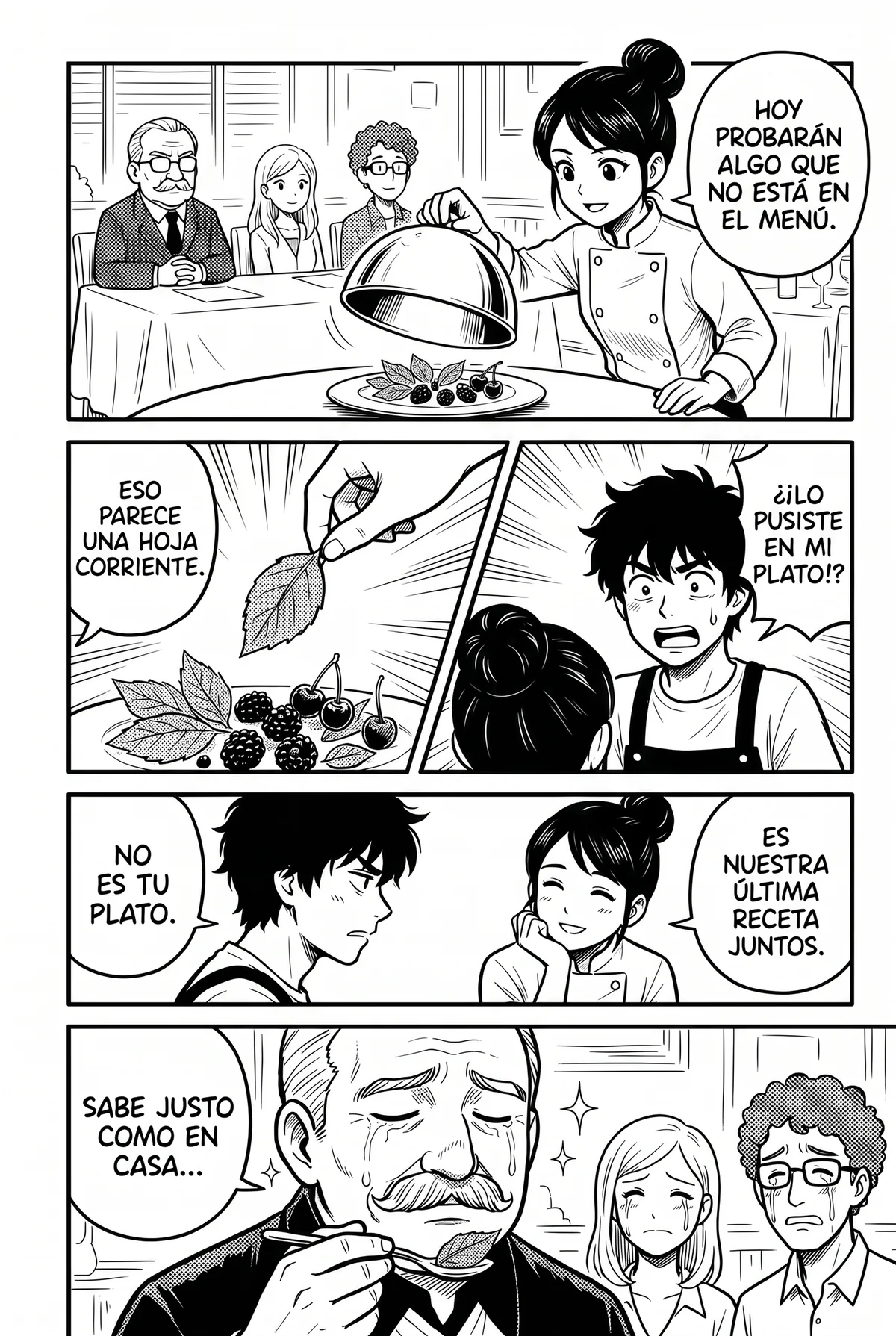 ES
The extension's own menus are available in English, Polish, Spanish and Romanian. The translation itself works into those and every other language on the list.
What it costs per chapter.
Manhwave counts 1 credit for every started 750 characters of source text in a chapter. Credits are counted by text, not by images, so long webtoon strips are not more expensive. On a paid plan, reading costs from about 1 cent per chapter, whichever language you read in.
| Option | Price | What you get |
|---|---|---|
| Free, no account | $0 | 50 credits every week |
| Free, email confirmed | $0 | 100 credits every week |
| Starter | $4.99 a month or $39.99 a year | 1,000 credits a month |
| Unlimited | $19.99 a month or $159.99 a year | Fair use |
| One-time pack | $5.99 for 1,000 credits | 1,000 credits that never expire |
Free credits are topped up every week, not stacked, and need no card.
Two rules keep the cost down. Re-reading a saved chapter in the same language costs nothing, and pages that fail can be retried without paying again. Full details are on the pricing page, and our article on free manga translators compares free tiers across tools.
What you gain and lose in translation.
What works well
- Dialogue and narration in your own language, in the bubbles.
- Whole pages translated together, so replies make sense next to questions.
- The original line one hover away when something sounds odd.
- Any chapter, as soon as it is out in English.
What to expect
- Translating a translation: nuance lost in the English edition cannot come back.
- Puns and wordplay often fall flat.
- Drawn sound effects stay as they are.
- Desktop Chrome only: no mobile, Firefox or Safari version.
If a Japanese raw is available on an official platform, translating from Japanese skips one step. Our guide to translating raw manga covers that route.
Translating comics beyond manga.
The same method works for any comic in English shown as images on a reader site, from webtoons to western comics. Long vertical strips are handled page by page as you scroll. Read more in our comic translator guide, or start with the free weekly credits.
Manhwave does not host comics. It translates the pages you open, so keep buying and reading the official releases that make these series possible.
What we measured.
Our own measurements on complete chapters, with no series names.
Credits are counted by text, not by images: 1 credit per started 750 characters of source text, so long webtoon strips are not more expensive. Paid reading costs from about 1 cent per chapter.
Timing runs on a 20-page chapter: first translated page after about 5 seconds, whole chapter after about 37 seconds.
Release tests of version 0.3.3 on a 20-page and a 17-page manga chapter, four runs: every page translated, no failed pages and no re-sends.
Checked October 2026. Results vary with the site, the artwork and the amount of text.
Questions, answered.
How do I translate manga to Spanish?
Can I translate comics to Spanish too?
Does re-reading a translated chapter cost credits again?
Is translating from English worse than translating from Japanese?
Which languages can I translate manga into?
By the Manhwave team · Last updated: October 11, 2026.
Related guides.
Stop waiting for your language edition.
Open the English chapter in desktop Chrome, pick your language and click Translate this chapter.
Add Manhwave to Chrome for free50 free credits every week · no card · desktop Chrome