BallonsTranslator or Manhwave: edit pages or read chapters?
BallonsTranslator is a free, open-source desktop editor for translating comic pages with full control over every bubble. Manhwave is a Chrome extension for reading chapters translated on the reader page. This BallonsTranslator vs Manhwave comparison uses public sources checked on 11 October 2026.
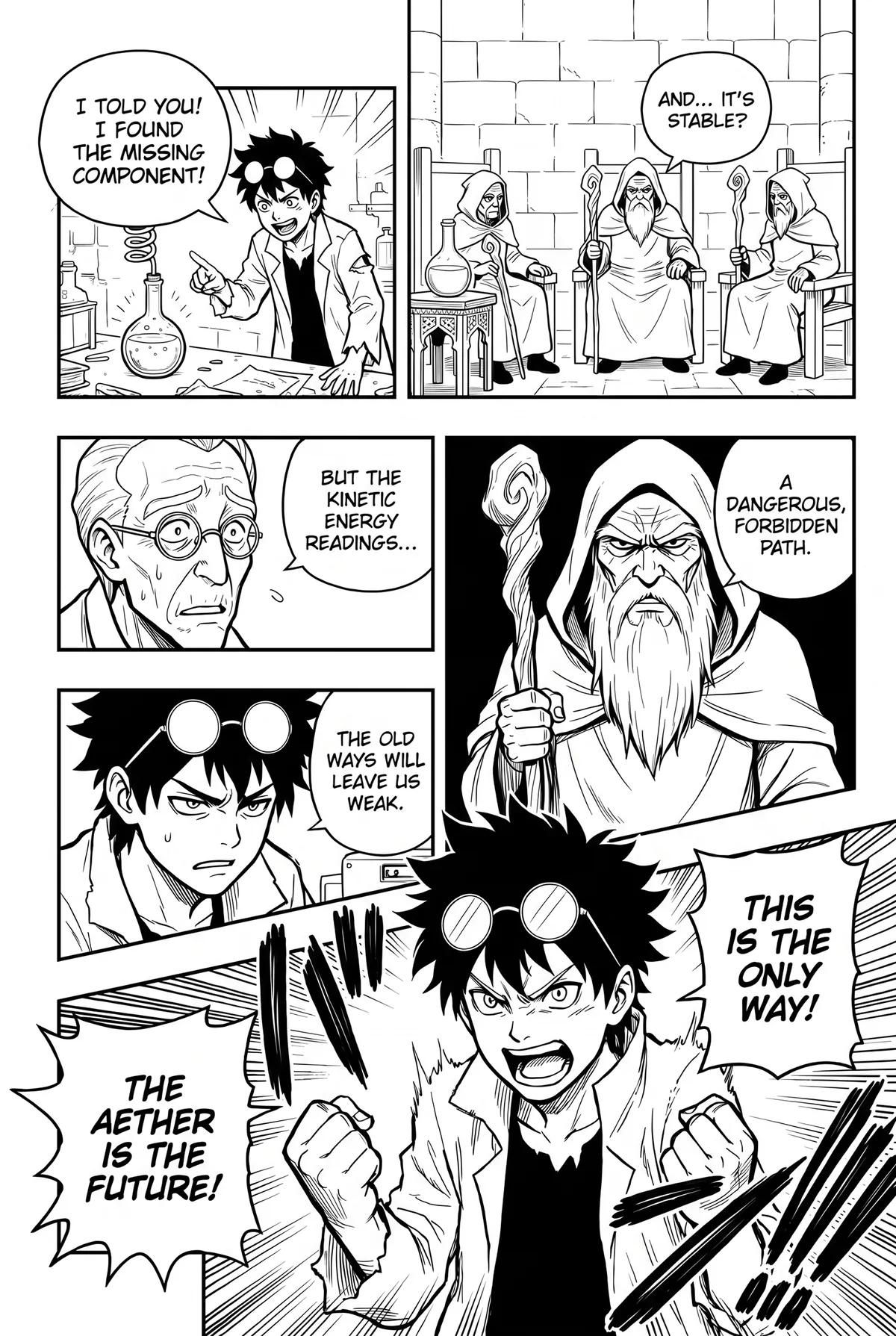
BallonsTranslator vs Manhwave: which is best?
We make Manhwave, so weigh this with that in mind: they solve different jobs. BallonsTranslator is the better tool for scanlation-style work, where you clean, edit and typeset pages by hand in a free desktop app with masks, an inpainting brush and font presets. Manhwave is the better tool for reading: one click in desktop Chrome, no editor to learn, OCR on your own computer, from about 1 cent per chapter on a paid plan and 50 free credits every week.
Key facts
- BallonsTranslator: free and open source (GPL-3.0), desktop app for Windows, macOS and Linux, release v1.5.19 on 4 October 2026.
- Detection, OCR and inpainting run locally; about 6GB of GPU memory when CUDA runs all models.
- Full editing: masks, inpainting brush, rich text, font presets. Some translators need API keys.
- Manhwave: Chrome extension, no setup, no API key, 50 free credits every week without an account.
BallonsTranslator vs Manhwave at a glance.
Every BallonsTranslator cell comes from its GitHub repository or English README, linked in the numbered notes and checked on 11 October 2026. Manhwave values come from our own site and store listing on the same day.
| BallonsTranslator | Manhwave | |
|---|---|---|
| Price | Free and open source, GPL-3.0.1 | Starter $4.99 and Unlimited $19.99 a month (fair use). One-time 1,000 credits for $5.99. |
| Free start | Free to download and use.1 | 50 credits every week without an account, 100 after email confirmation. No card. |
| What it is | Desktop app for Windows, macOS and Linux.2 | Extension for desktop Chrome. |
| Main job | Editing: masks, inpainting brush, rich text, font presets.2 | Reading: click Translate this chapter on the reader page, pages on screen go first. |
| Where pages are processed | Detection, OCR and inpainting run locally.2 | Detection, OCR and cleanup on your device. Full pages never uploaded or stored. |
| Hardware | GPU acceleration on NVIDIA or Apple Silicon; about 6GB GPU memory when CUDA runs all models.2 | A desktop computer with Chrome; no dedicated GPU needed. |
| Translators | Google, DeepL, Papago, Sugoi (offline, Japanese to English), local LLMs, OpenAI-compatible LLMs.2 | One built-in translation service included in the credits. |
| API keys | Some translators need API keys.2 | None needed. |
| Lettering | You typeset with rich text and font presets.2 | Automatic lettering in Manga, Comic or Classic style; text size slider; original one hover away. |
| Project status | 5,202 GitHub stars, release v1.5.19 on 4 October 2026.1 | Version 0.3.4 in the Chrome Web Store. |
Competitor facts from the public repository, checked 11 October 2026. Check the README for current requirements before you install.
Sources
- GitHub: dmMaze/BallonsTranslator, checked October 11, 2026
- BallonsTranslator README, checked October 11, 2026
BallonsTranslator is a trademark of its respective owner. This page is not affiliated with or endorsed by BallonsTranslator.
What does one chapter cost?
BallonsTranslator is free. A chapter costs your time, your computer's power and, if you pick an online translator that needs an API key, that provider's fees. With the offline Sugoi translator (Japanese to English) or a local LLM there is no translation fee.
Time is the real price. An editor is built for checking and adjusting every bubble, which is what scanlation-style work needs and what a casual reader usually does not want to do on every page.
Manhwave's cost follows the text of each chapter, and paid reading costs from about 1 cent per chapter. The options:
- Starter: $4.99 a month for 1,000 credits.
- Unlimited: $19.99 a month under fair use.
- One-time pack: $5.99 for 1,000 credits that never expire.
- Free: 50 credits every week without an account; 100 after email confirmation; no card.
Our plans are in the pricing section.
Where BallonsTranslator is better
These points come from the project's repository. If one of them is a must, choose BallonsTranslator.
- Full editing. Masks, an inpainting brush, rich text and font presets let you fix every bubble by hand. Manhwave has no editor.
- Free and open source. GPL-3.0, free to use and modify. Manhwave is not open source.
- Windows, macOS and Linux as a desktop app, not tied to a browser.
- Offline translation options. Sugoi for Japanese to English and local LLMs. Manhwave needs a connection to translate the recognised text.
- Choice of translators. Google, DeepL, Papago and OpenAI-compatible LLMs, with your own keys where needed.
- Actively released. v1.5.19 on 4 October 2026.
Where Manhwave is better
- Reading, not editing. Open a chapter on a reader site, click Translate this chapter and keep scrolling; the pages you are looking at are translated first.
- No setup. No models to download, no GPU memory to think about, no API key.
- Still private. Detection, OCR and artwork cleanup run on your device, and full-size pages are never uploaded or stored. The recognised text goes to translation; for some languages a small low-resolution grayscale preview of the page goes with it, for that request only.
- Four source languages ready. English, Japanese, Chinese and Korean; the small Korean reader (13.5 MB) downloads once when needed.
- Automatic lettering you can tune. Manga, Comic or Classic style and text size never use credits; sound effects stay as drawn.
- Fair retries. Re-reading a saved chapter in the same language is free, and failed pages can be retried without paying again.
EN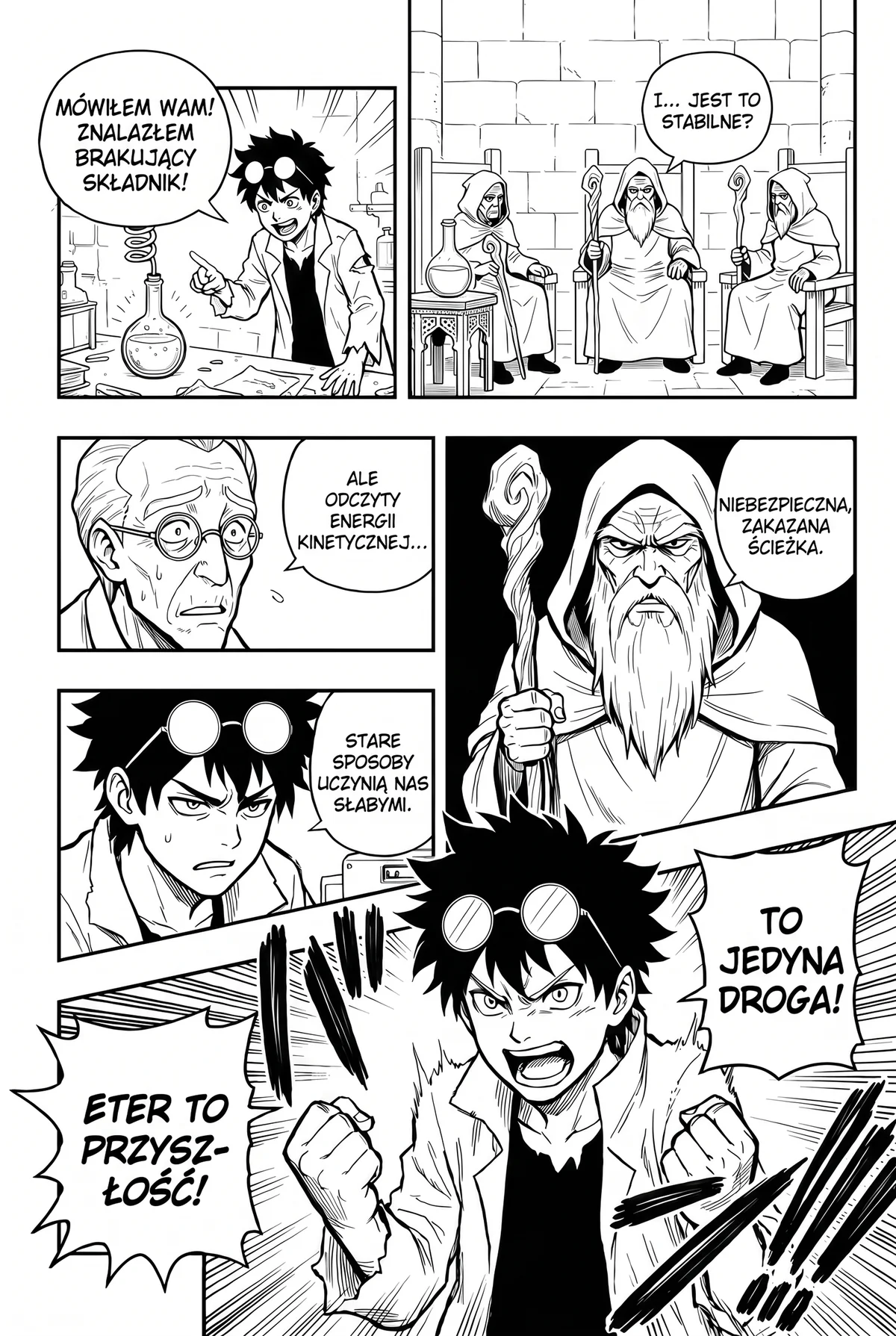 PL
Who should pick which?
Pick BallonsTranslator if you edit and typeset pages carefully, want free open-source software, work on macOS or Linux outside a browser, or want translation to run offline.
Pick Manhwave if you want to read chapters in desktop Chrome right away, with no editor, no installs beyond the extension and no API keys.
The difference mirrors MTL manga vs scanlation: quick machine reading versus careful hand-made pages. For another open-source route, see manga-image-translator vs Manhwave; for a hybrid with a desktop editor and a Chrome extension, see Comic Translate vs Manhwave. Manhwave does not host comics; where a series is licensed, read it on WEBTOON, Tapas, Tappytoon or Manta. To try Manhwave, follow the quick start.
How we checked.
We did not install or run BallonsTranslator for this page. It combines the project's public information with our own Manhwave measurements.
Taken from the project's GitHub repository and English README on 11 October 2026. Each table row links to its source.
Manhwave counts credits by text, not by images: 1 credit per started 750 characters of source text, so long webtoon strips are not more expensive. Paid reading costs from about 1 cent per chapter.
Before version 0.3.3 we ran a 20-page and a 17-page manga chapter four times with the production setup: every page translated, 0 failed pages.
In 8 timing runs on a 20-page chapter, the first translated page appeared after about 5 seconds and the whole chapter took about 37 seconds.
Checked October 2026. Results vary with the site, the artwork and the amount of text.
Questions, answered.
What is a simpler alternative to BallonsTranslator?
Is BallonsTranslator free?
Does BallonsTranslator need a GPU?
Is BallonsTranslator good for scanlation?
Can I use BallonsTranslator or Manhwave on my phone?
Which gives better quality?
By the Manhwave team · Last updated: October 11, 2026. Manhwave is our product, so we have an interest here. Every claim about other tools is linked to its source.
Related guides.
Want to read, not typeset?
Install Manhwave in desktop Chrome, open a chapter and click Translate this chapter. 50 free credits every week, no account needed.
Add Manhwave to Chrome for free50 free credits every week · no card · desktop Chrome